YOLOv8 · Custom Training Pipeline · 5 Data Sources

Training Dataset
& Collection Pipeline

A 3,500+ image corpus assembled from five distinct sources — lab-captured photos, MVTec-AD benchmark images, Roboflow augmentation, programmatic synthetic collages, and hard-negative mining. Together they teach YOLOv8 to reliably locate screws, nuts, and bolts across varied lighting, angle, and background conditions.

3,500+ Training Images
5 Data Sources
94.5% mAP@50
100+ FPS Inference Speed
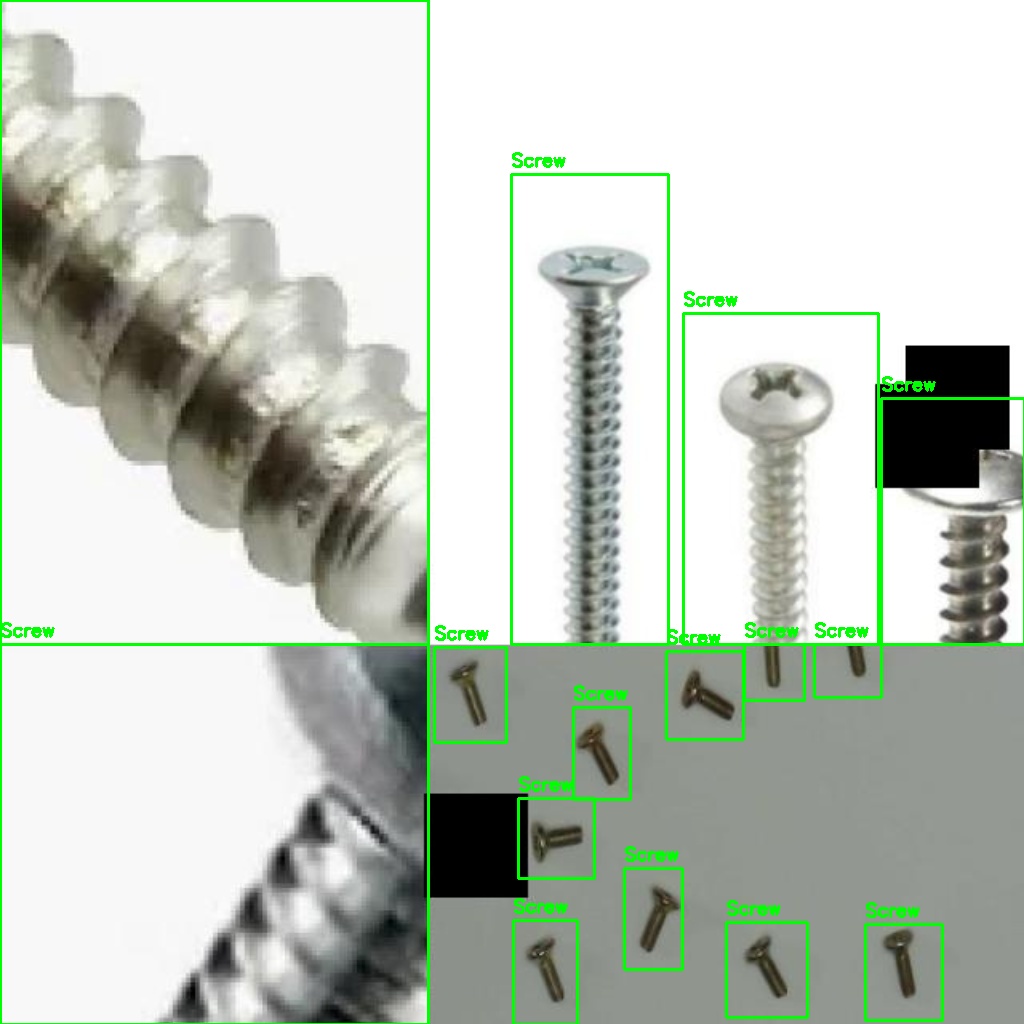
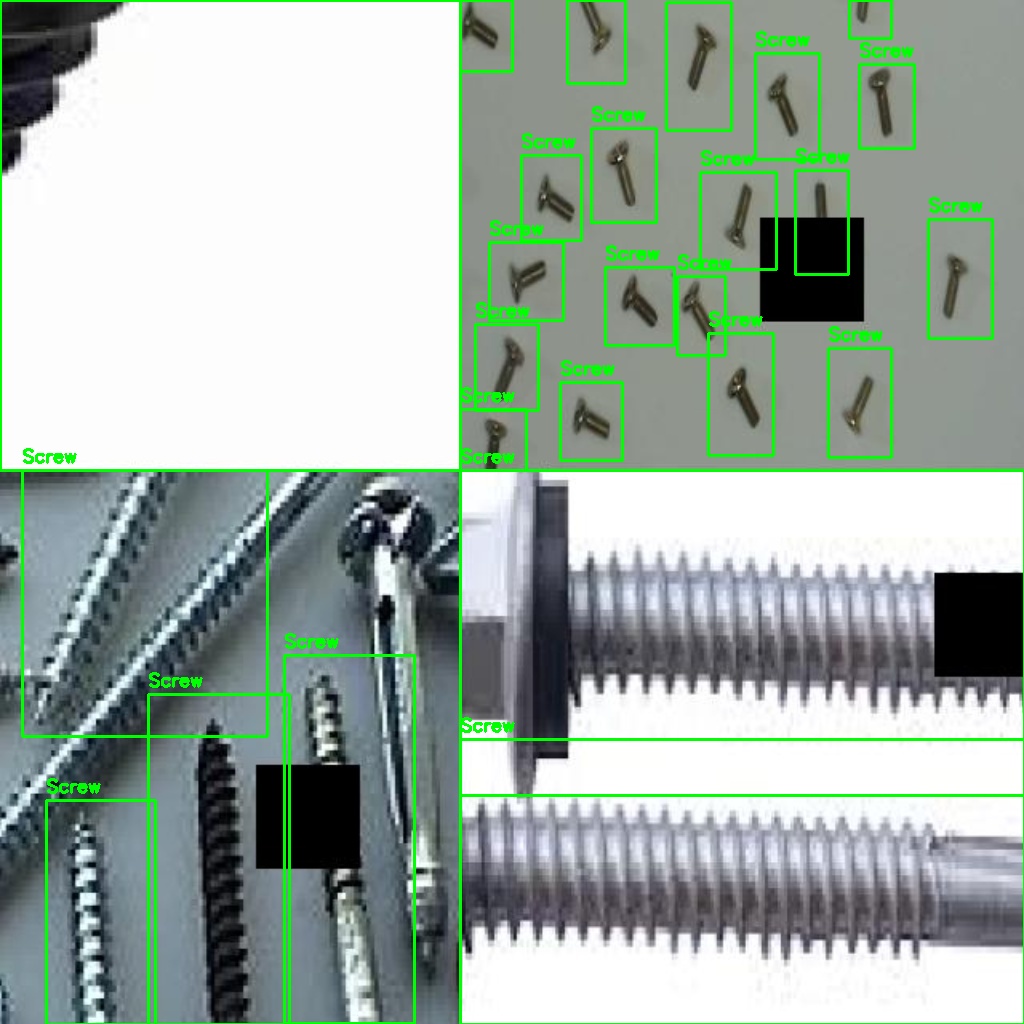
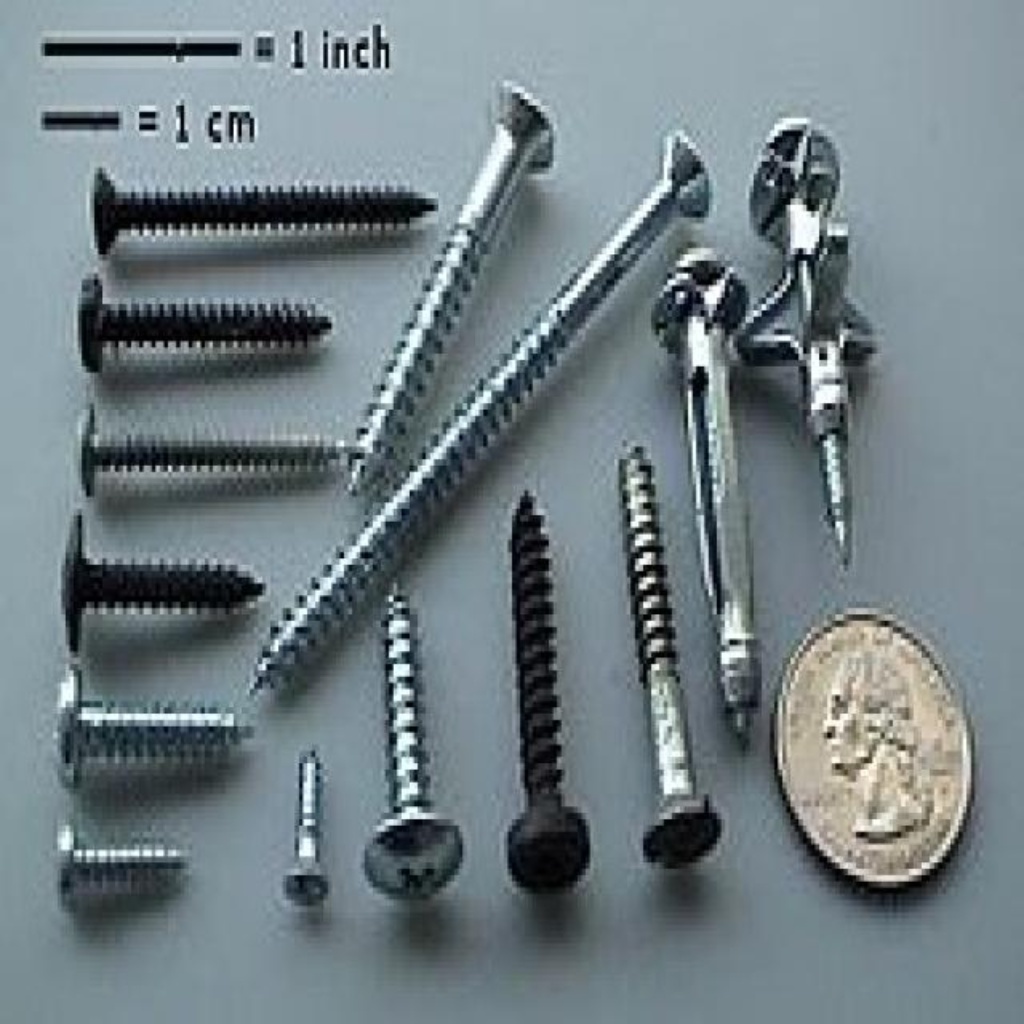
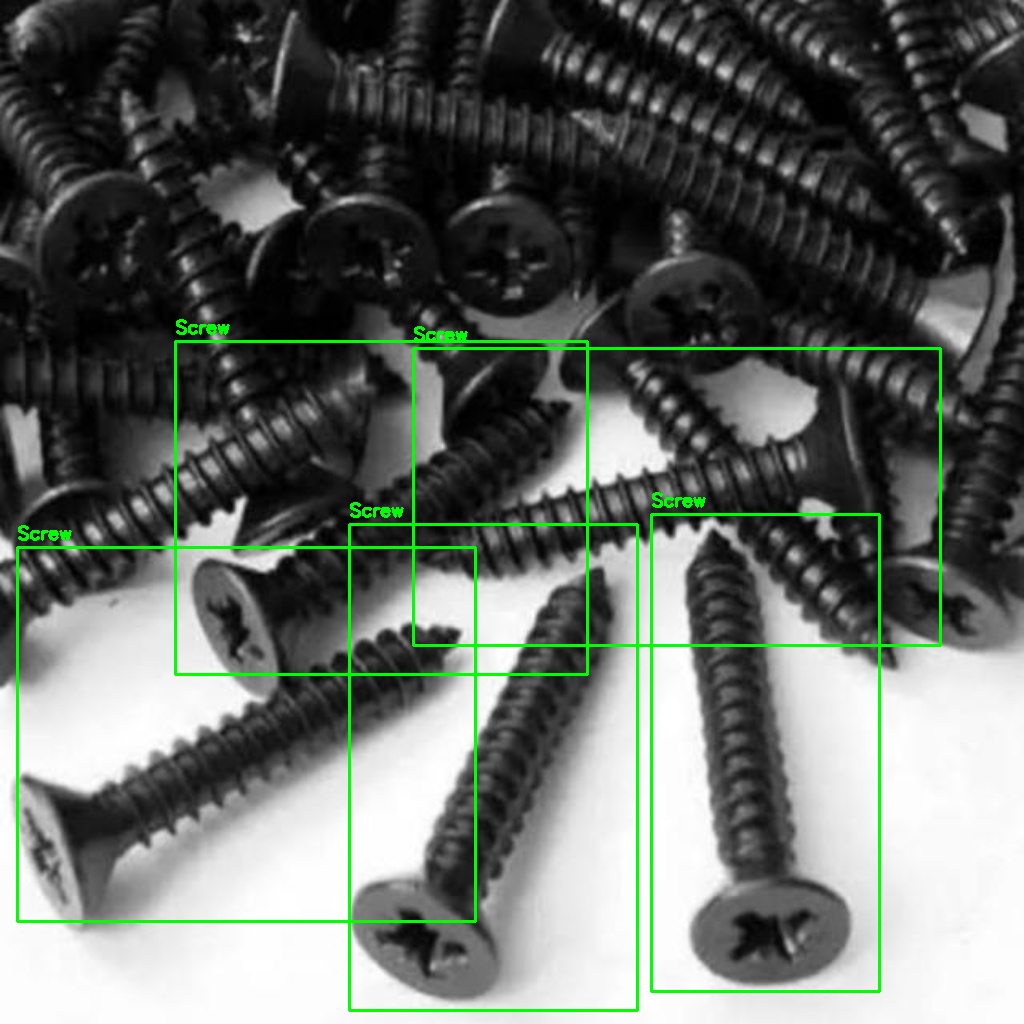
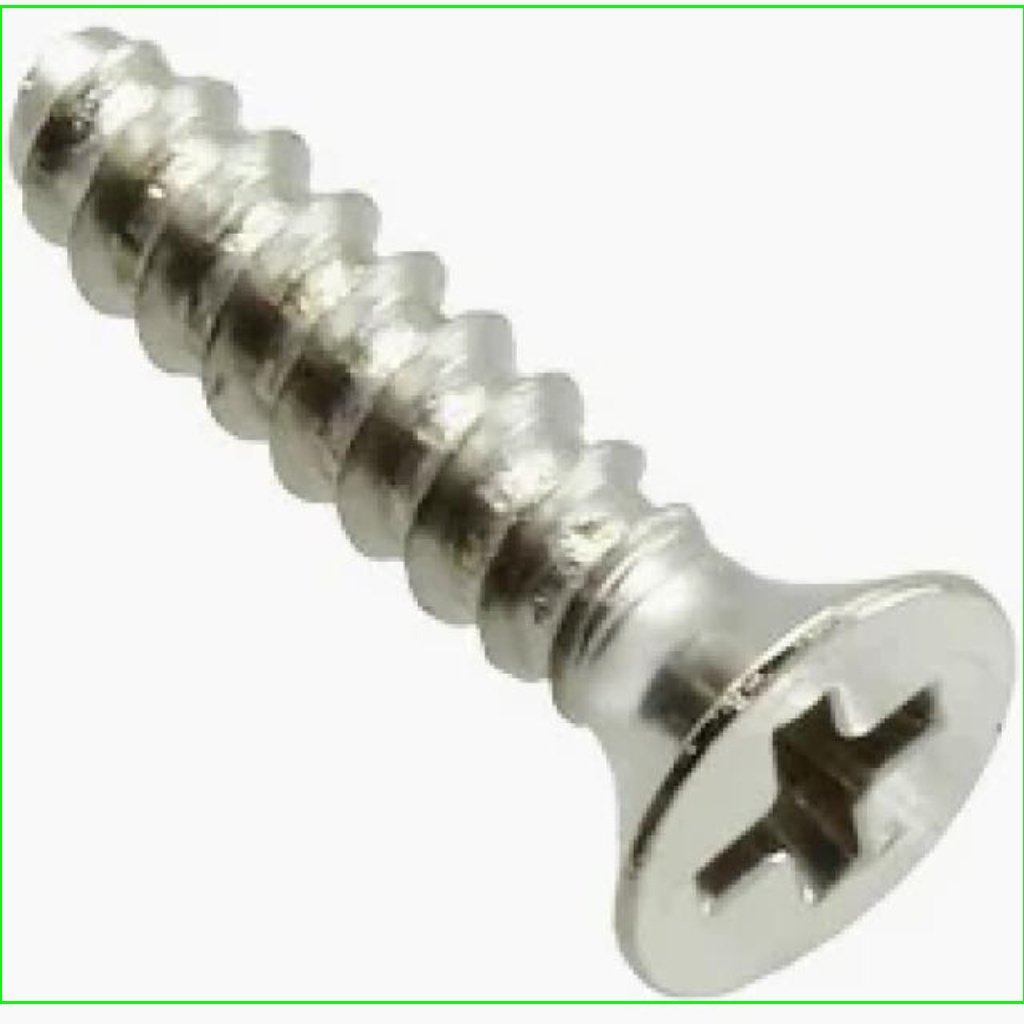
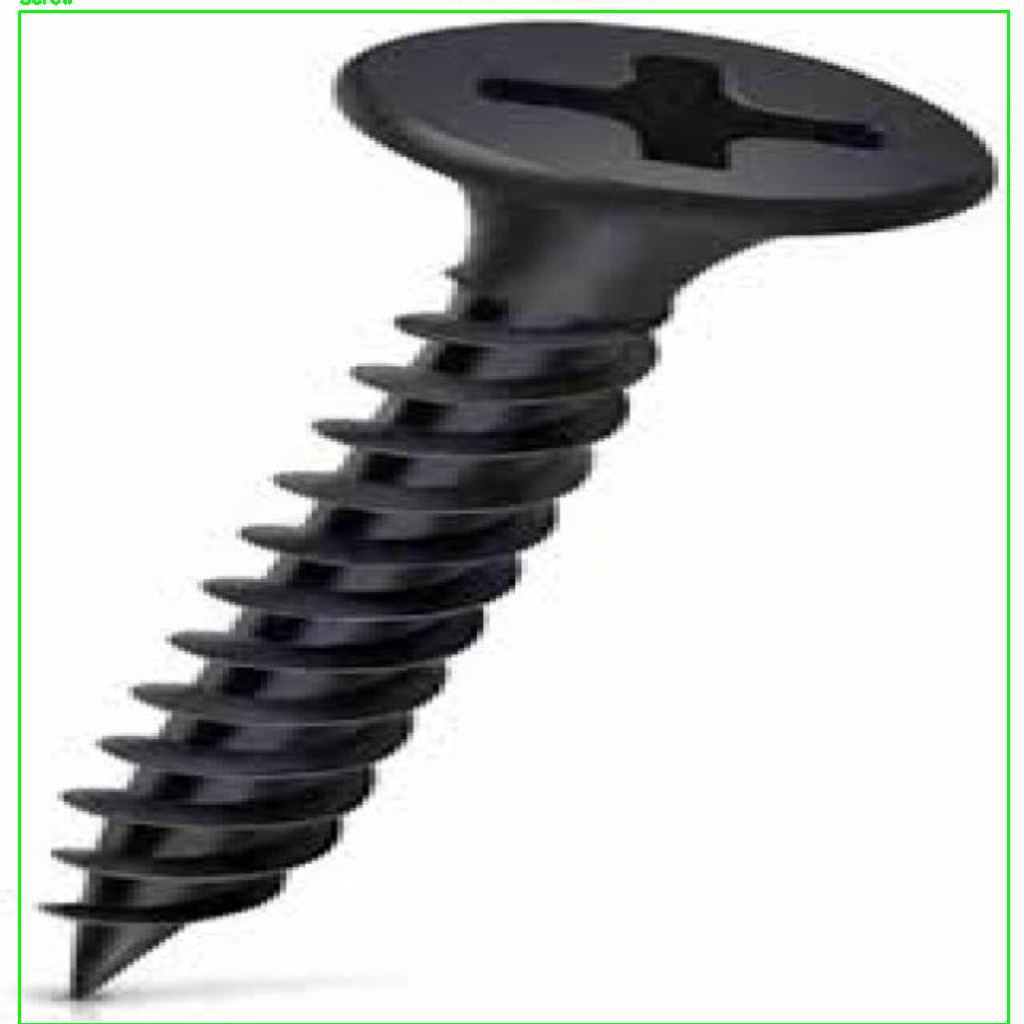
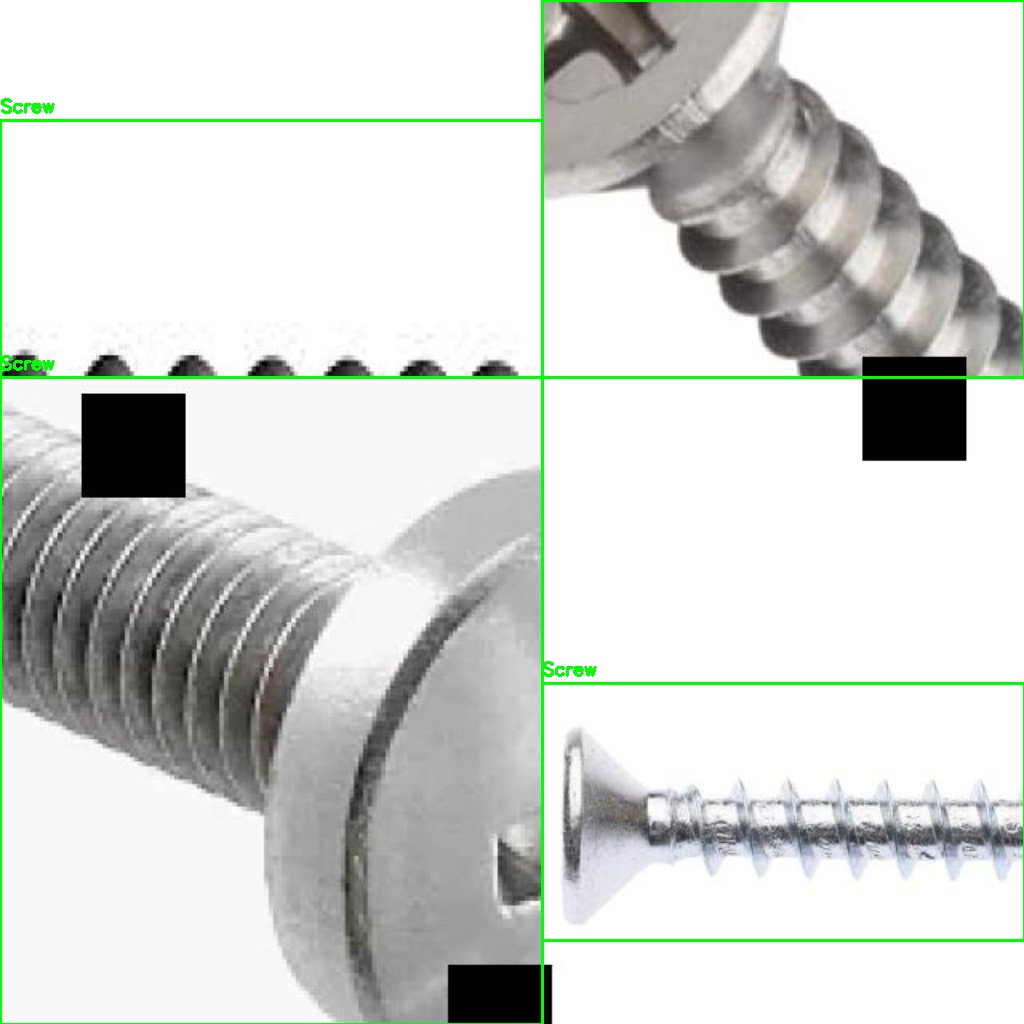
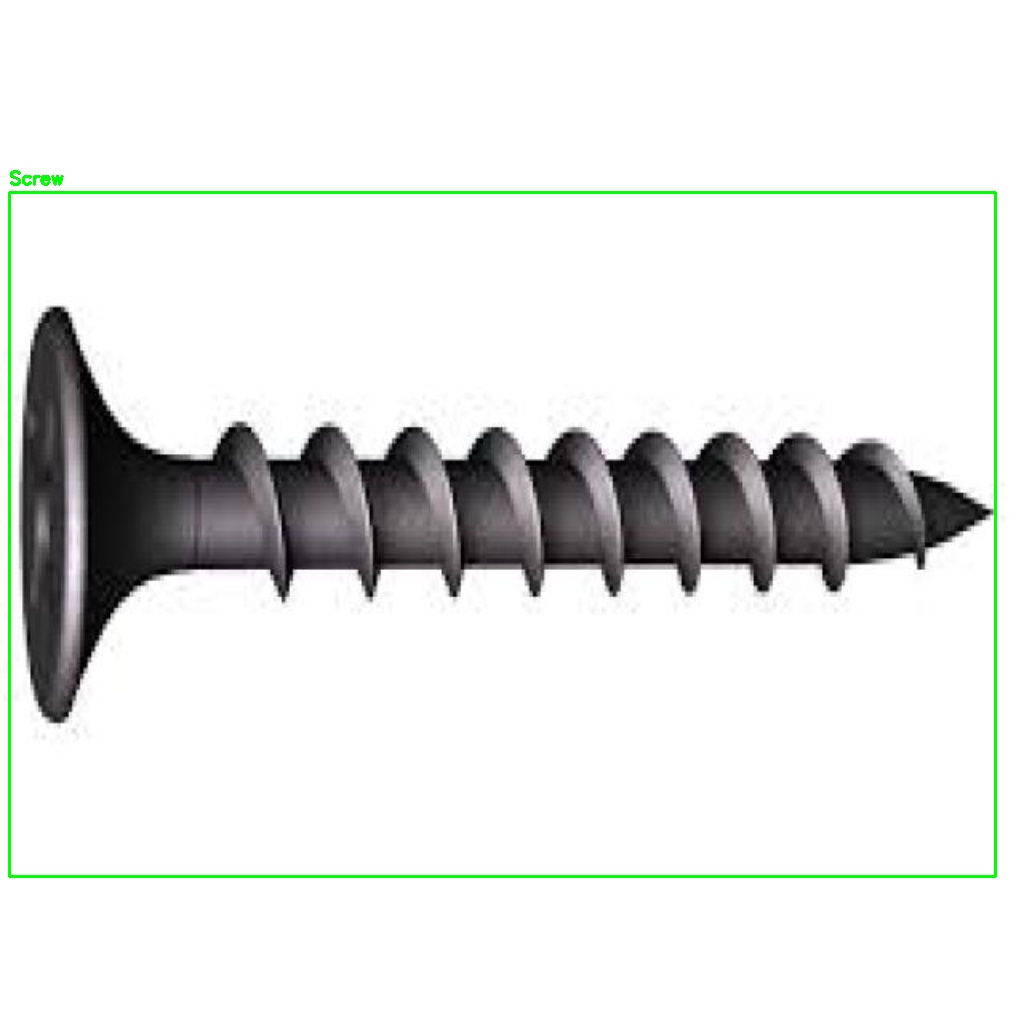
Annotated training image Annotated
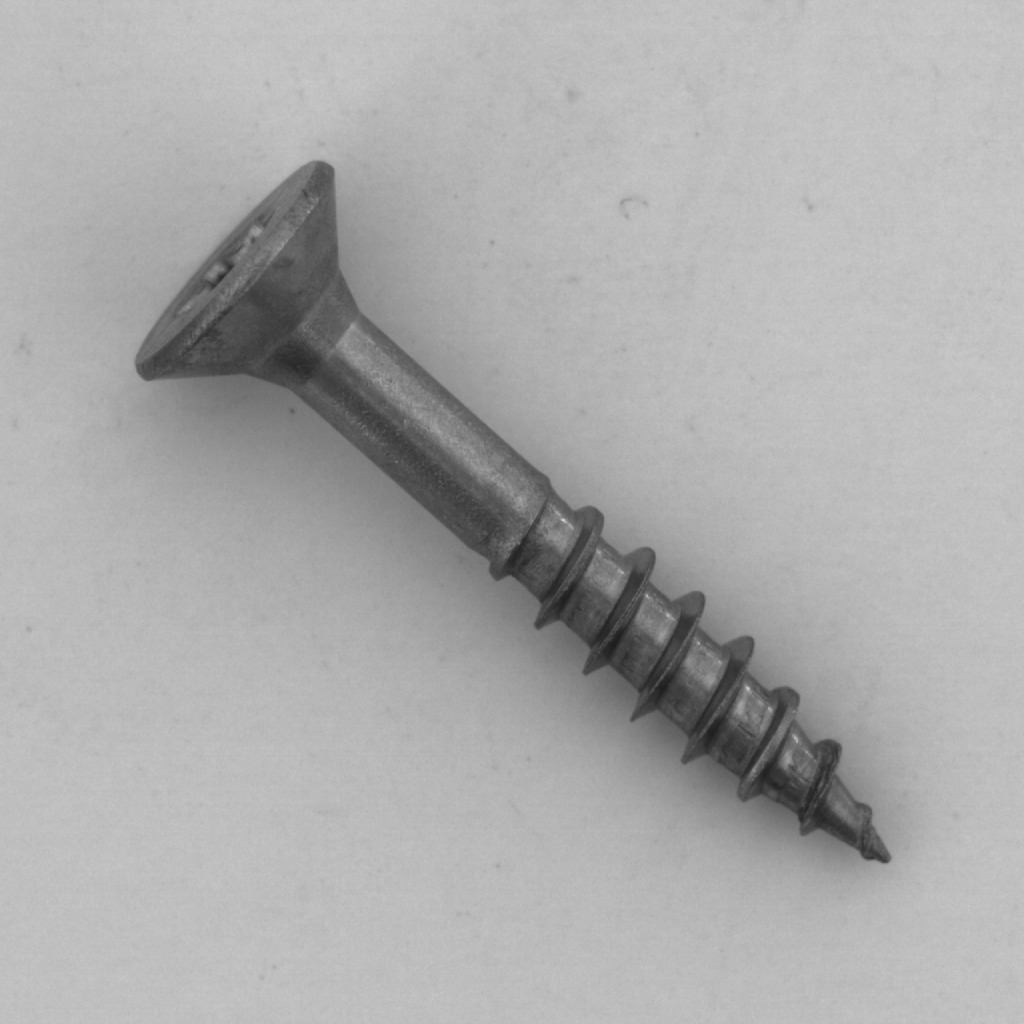
MVTec-AD sample MVTec-AD
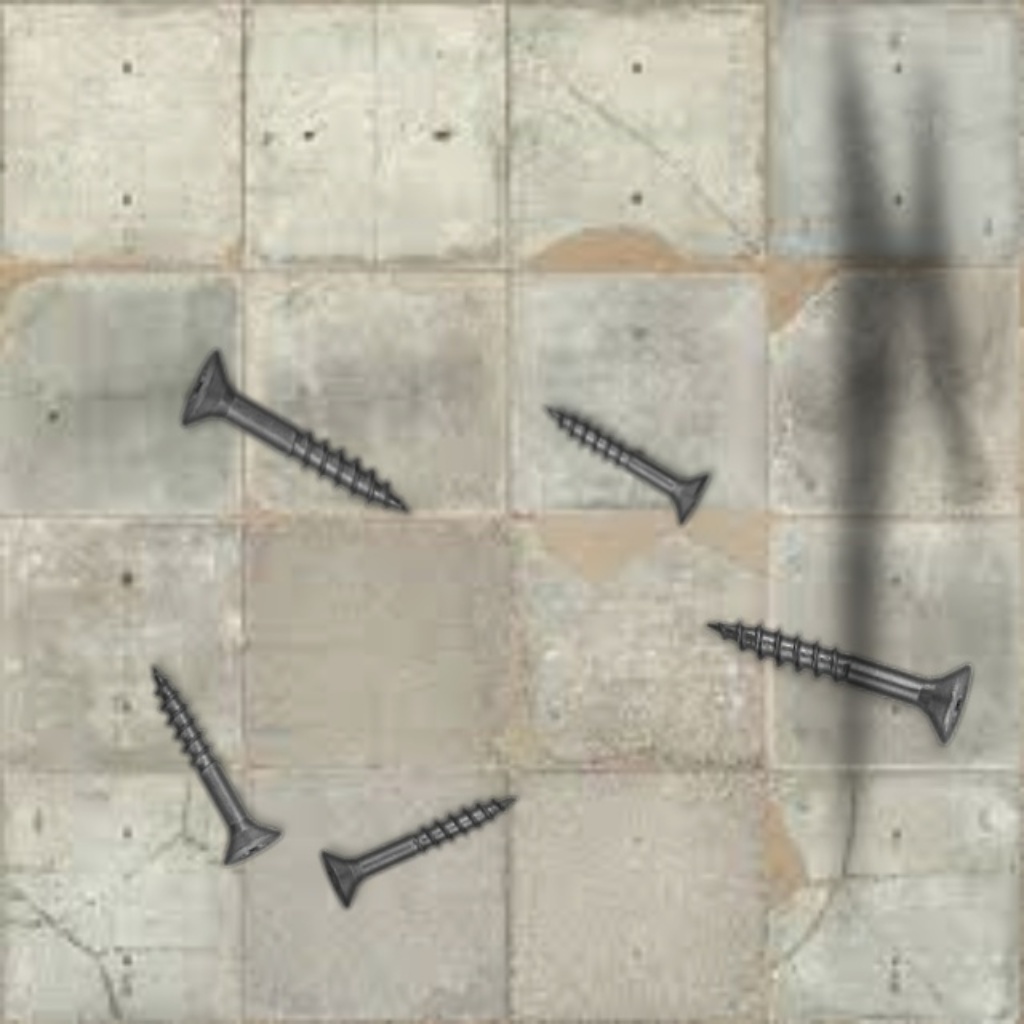
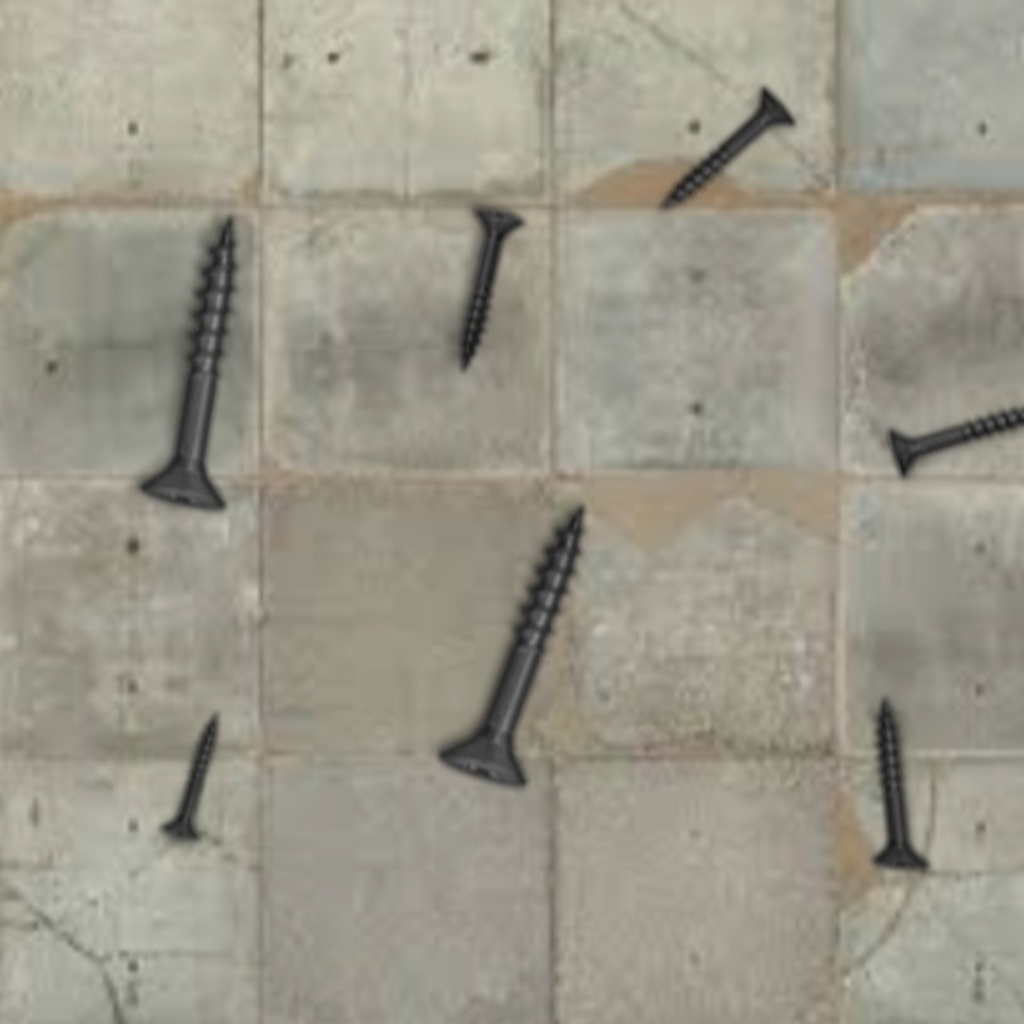
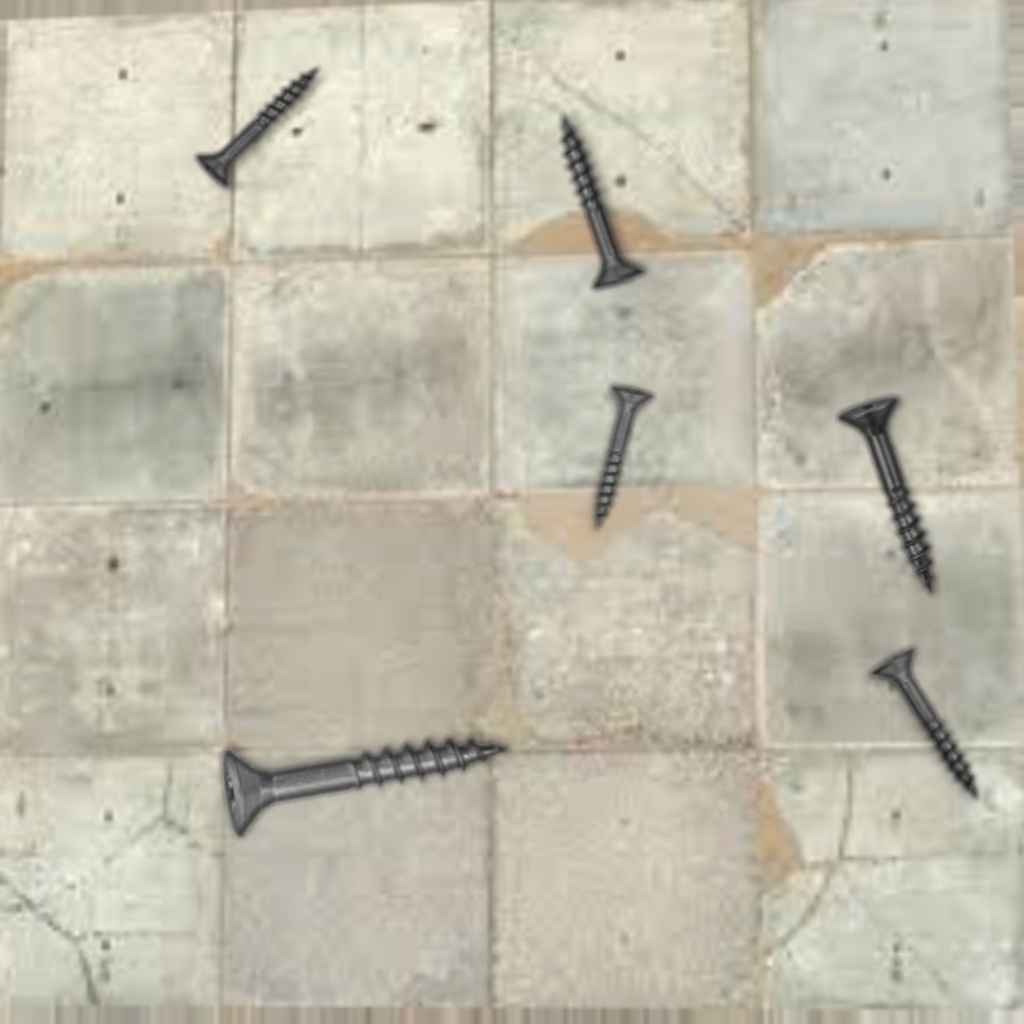
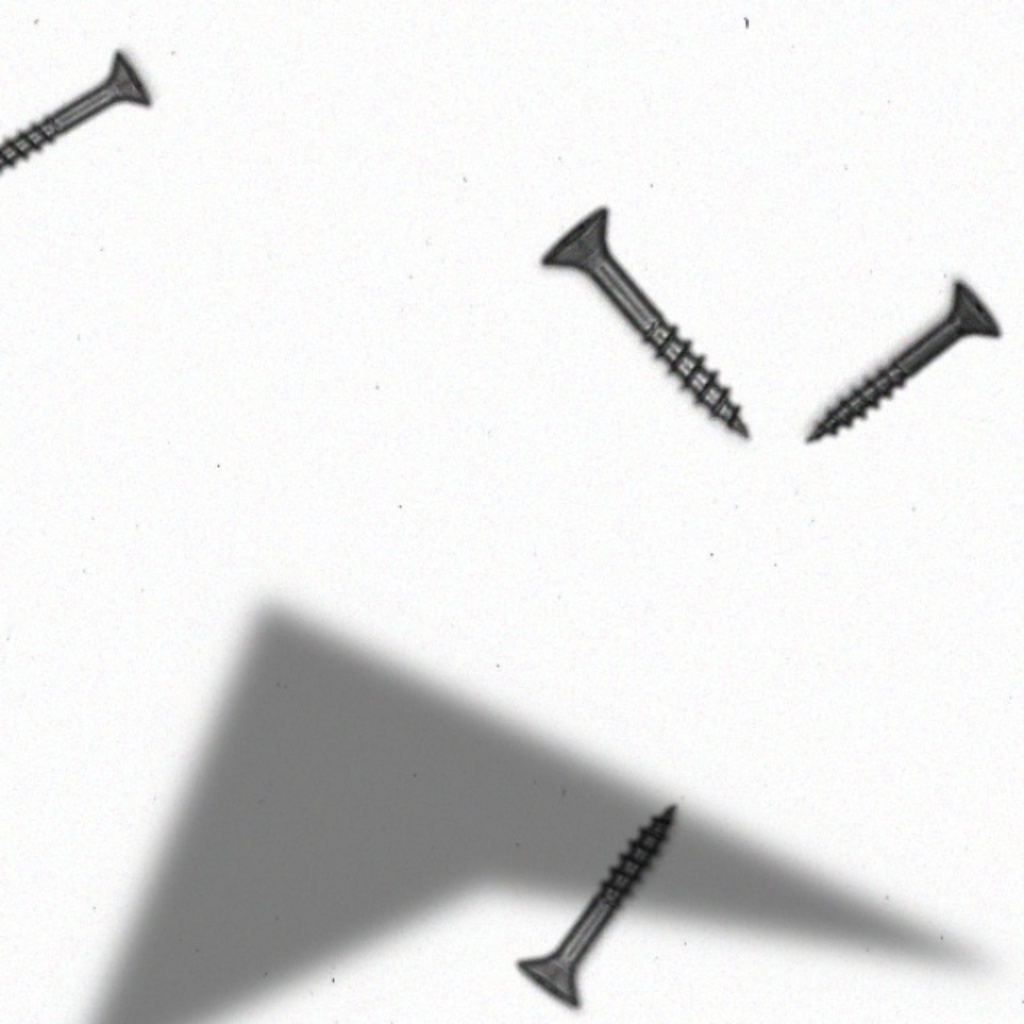
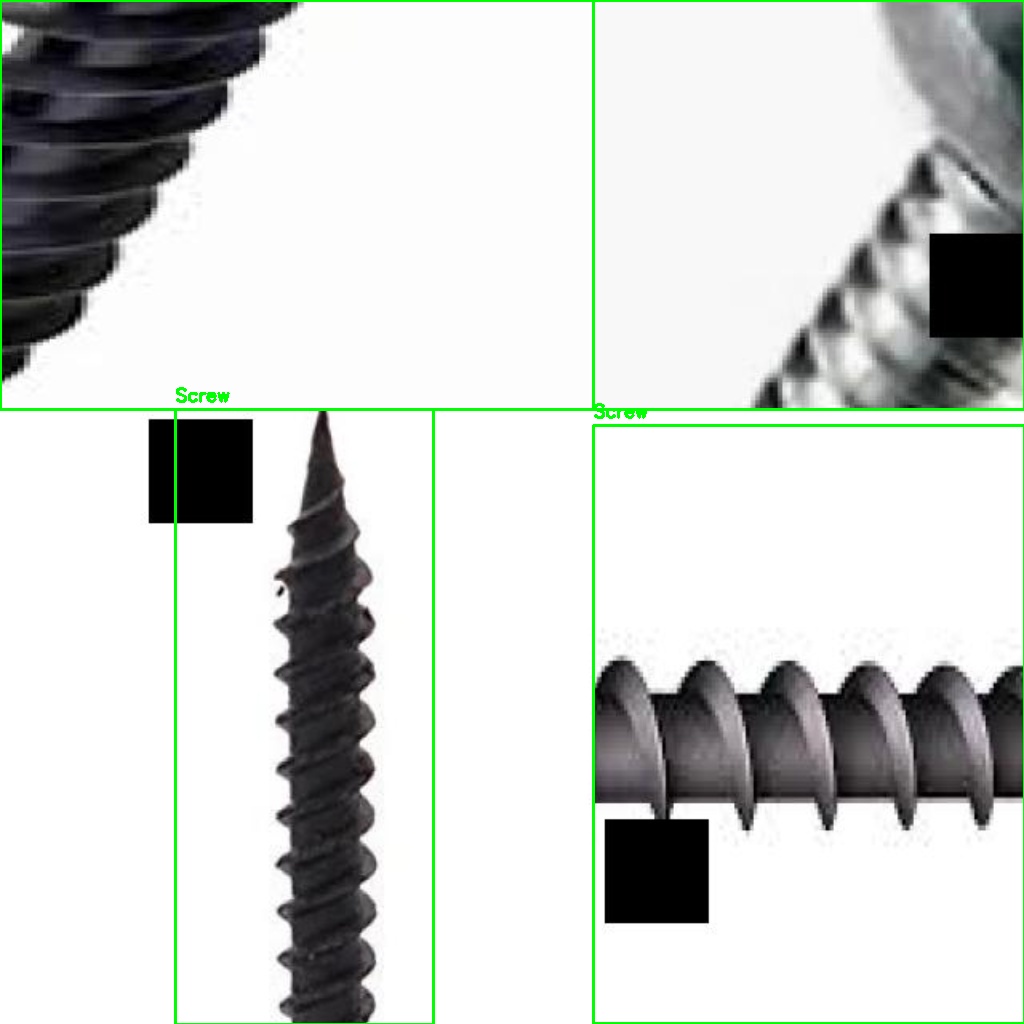
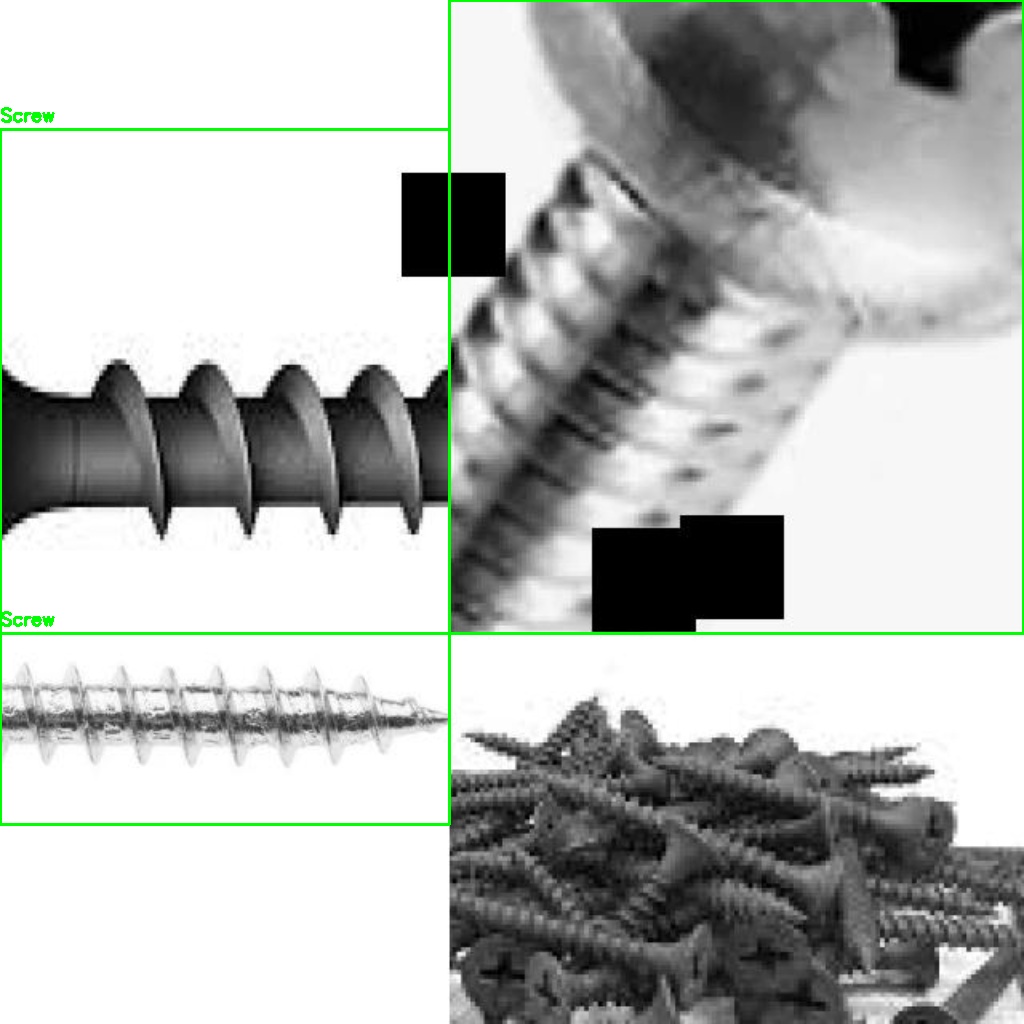
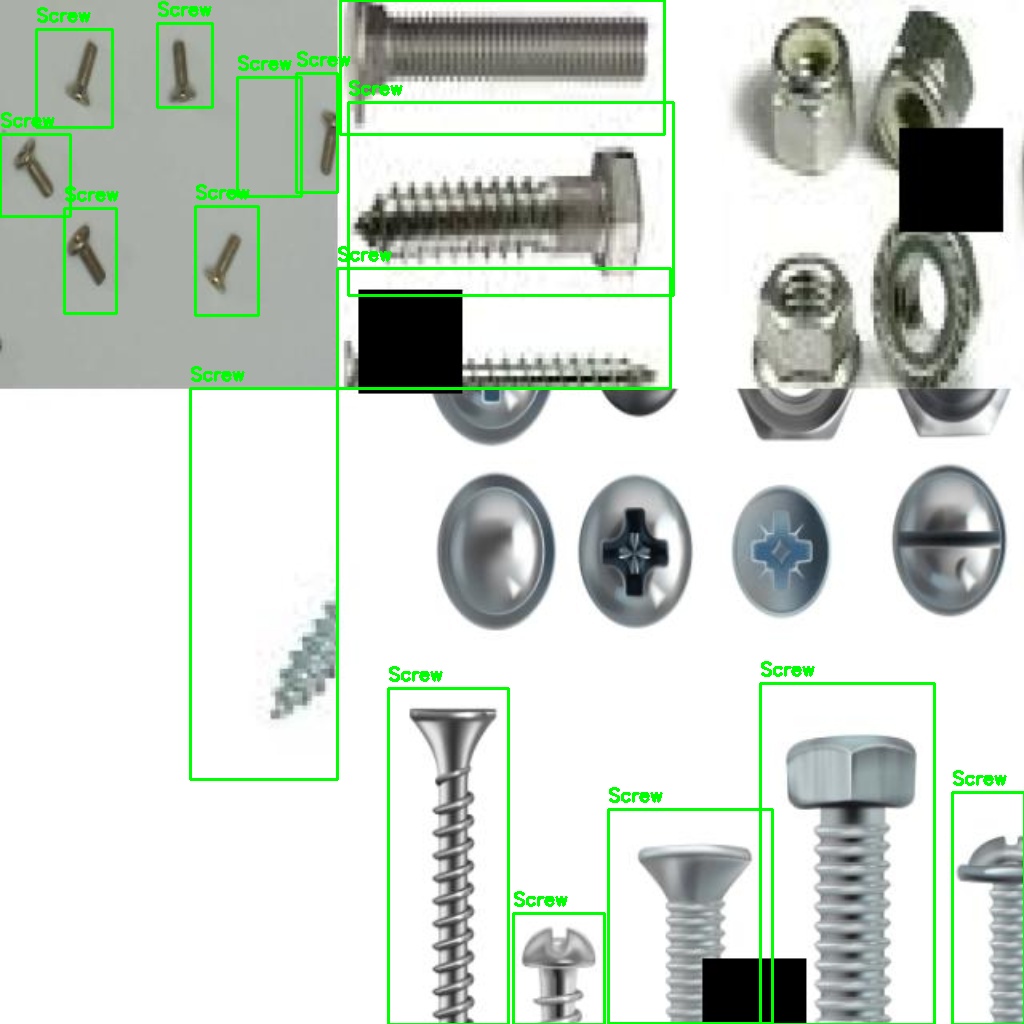
Synthetic collage Synthetic
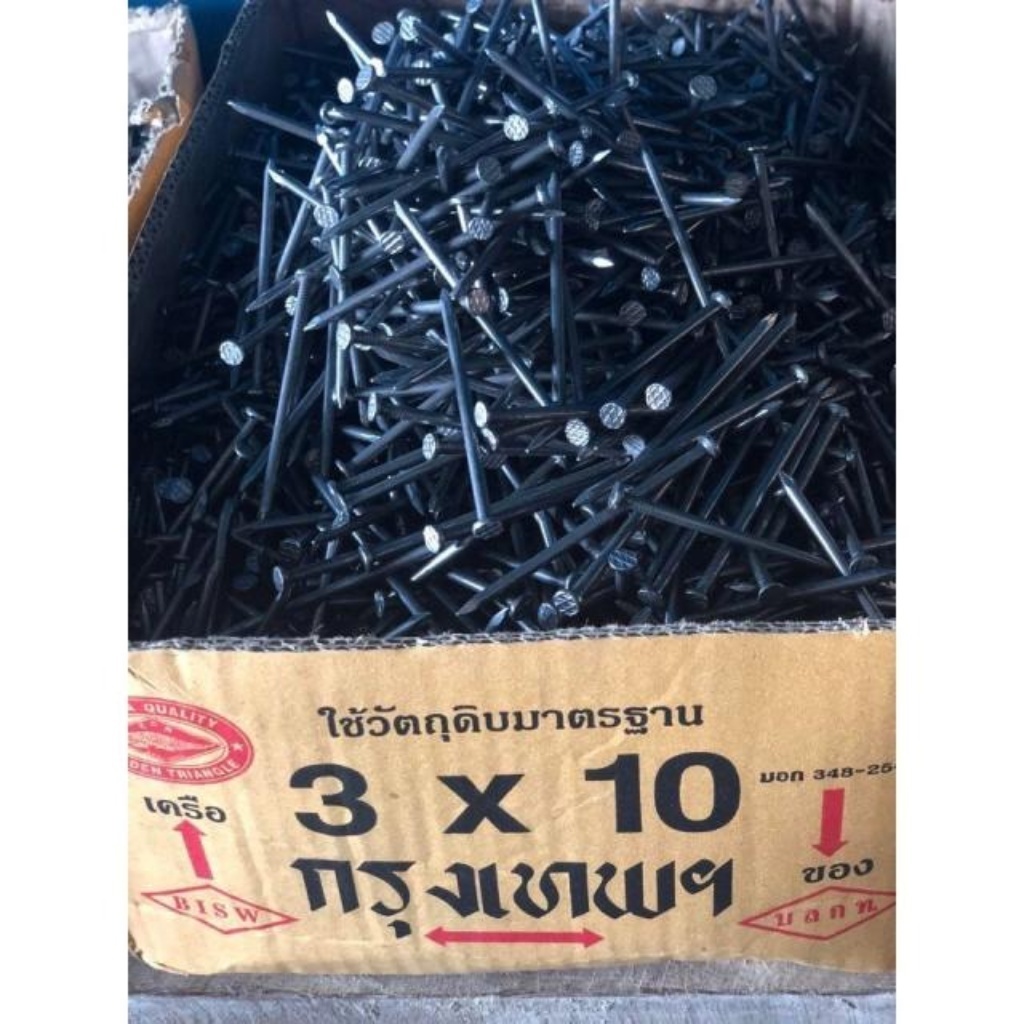
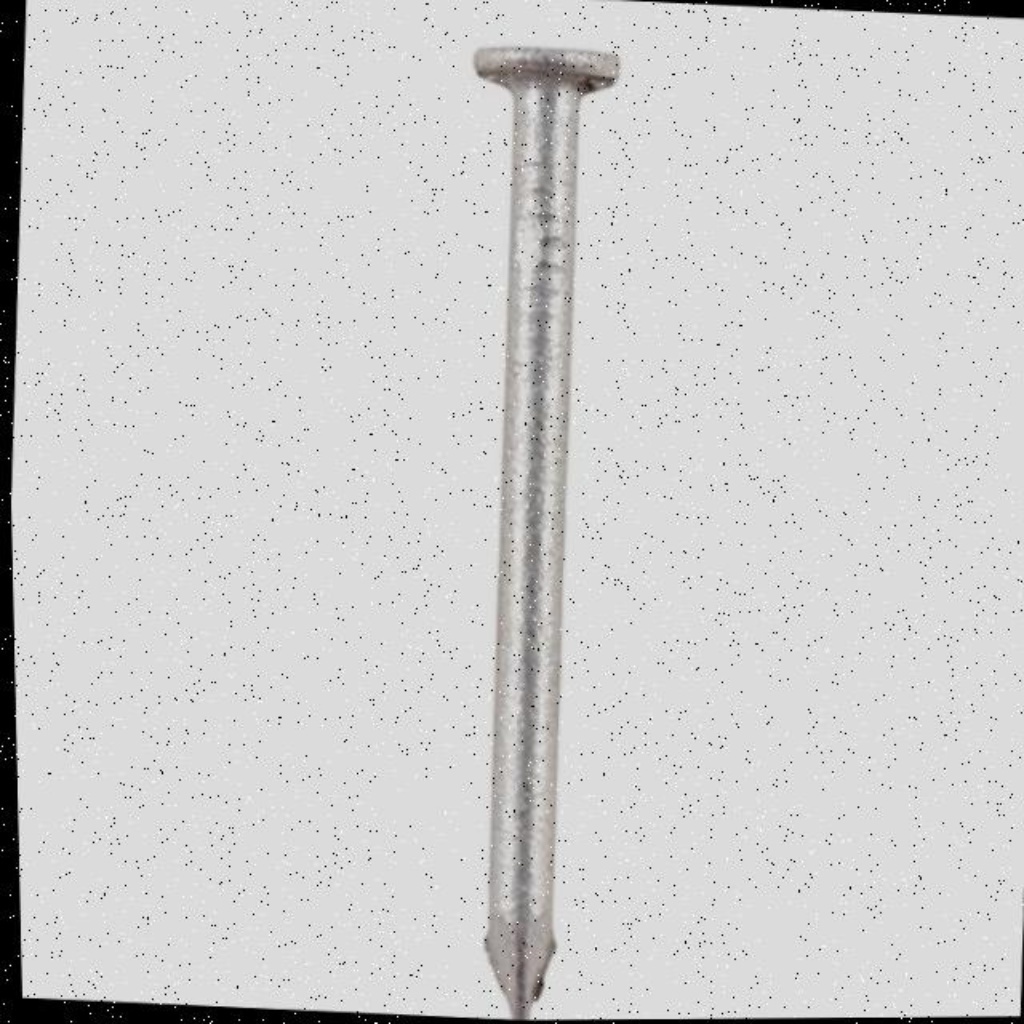
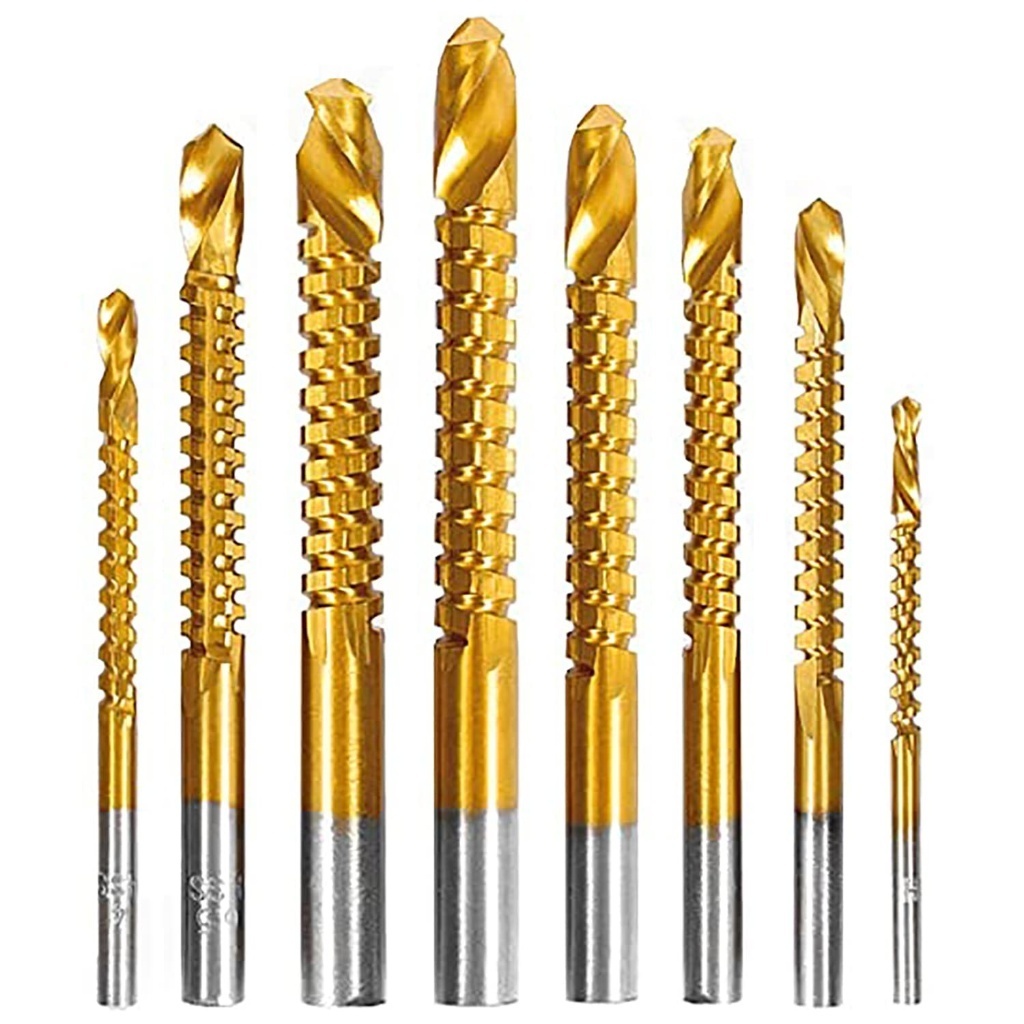
Hard negative Negative
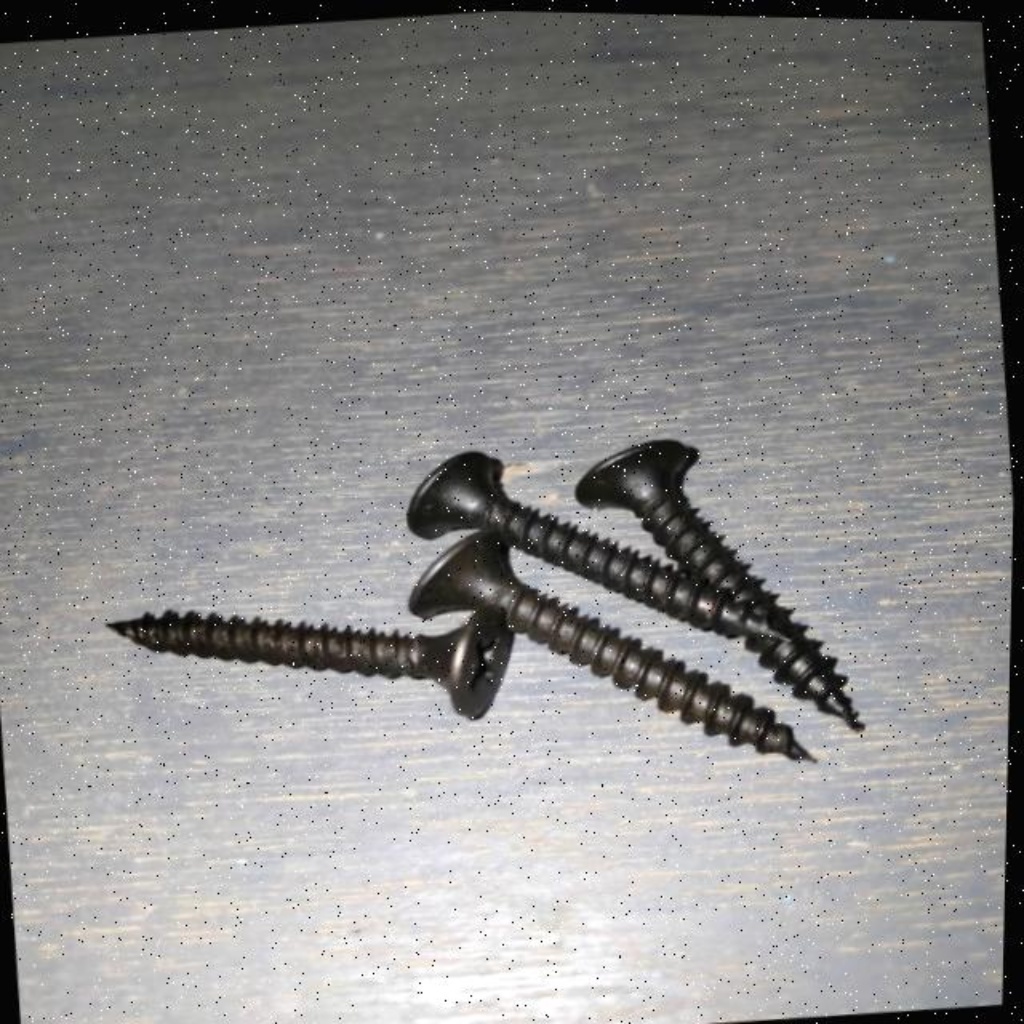
Custom lab capture Custom
Bounding box annotation Annotated
Collection Pipeline

How we built the dataset

Step 01 📷 Lab Capture Photographed real screws, nuts, and bolts under varied lighting and angles using smartphone cameras in a controlled lab setup.
Step 02 🌐 Public Datasets Downloaded MVTec-AD screw images (320 normal samples) and sourced additional labeled images from the Roboflow universe.
Step 03 🏷️ Manual Annotation Labeled every bounding box in YOLO format (.txt files) — one annotation file per image with normalized xywh coordinates.
Step 04 🔀 Augmentation Roboflow auto-augmentation tripled the custom set: random flips, brightness jitter, and rotation kept the model view-invariant.
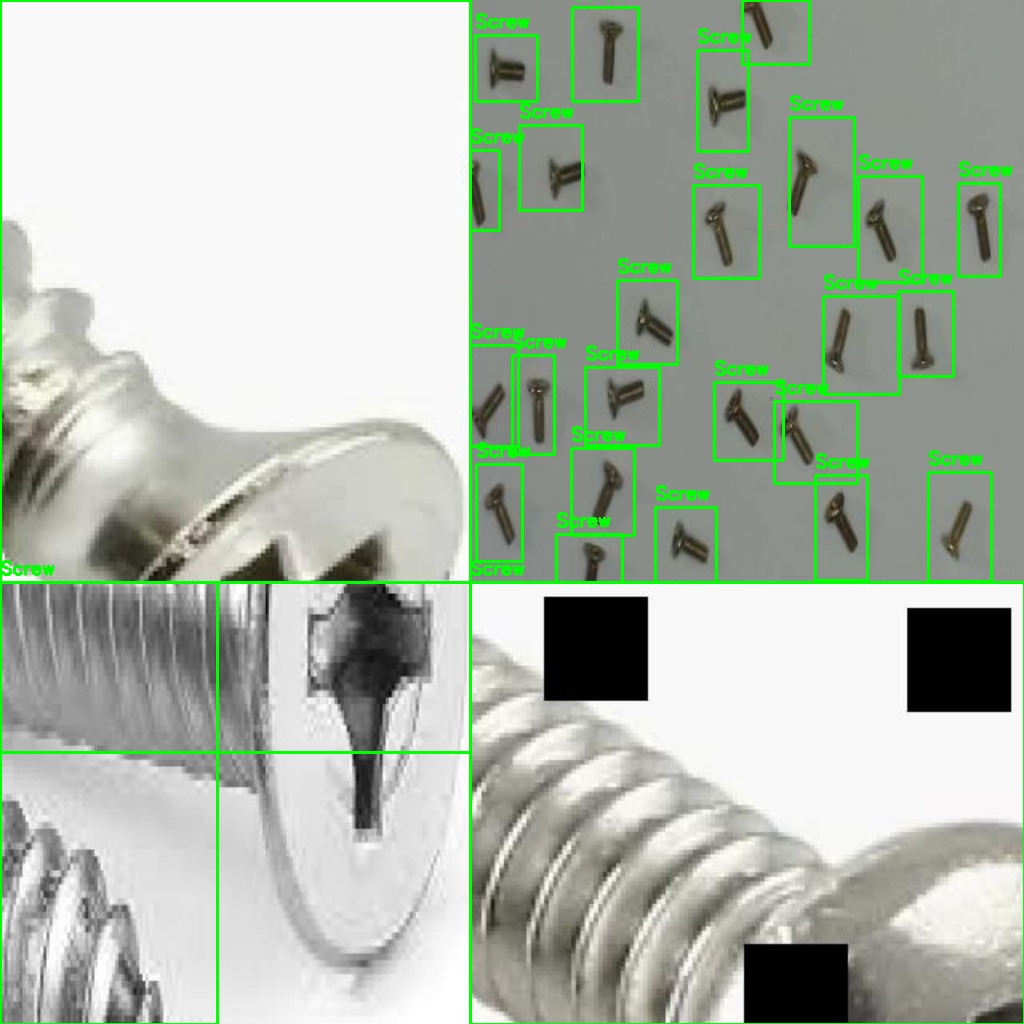
Step 05 🧩 Synthetic Collages Generated 250+ multi-object scene images by compositing hardware onto diverse backgrounds to improve multi-instance detection.
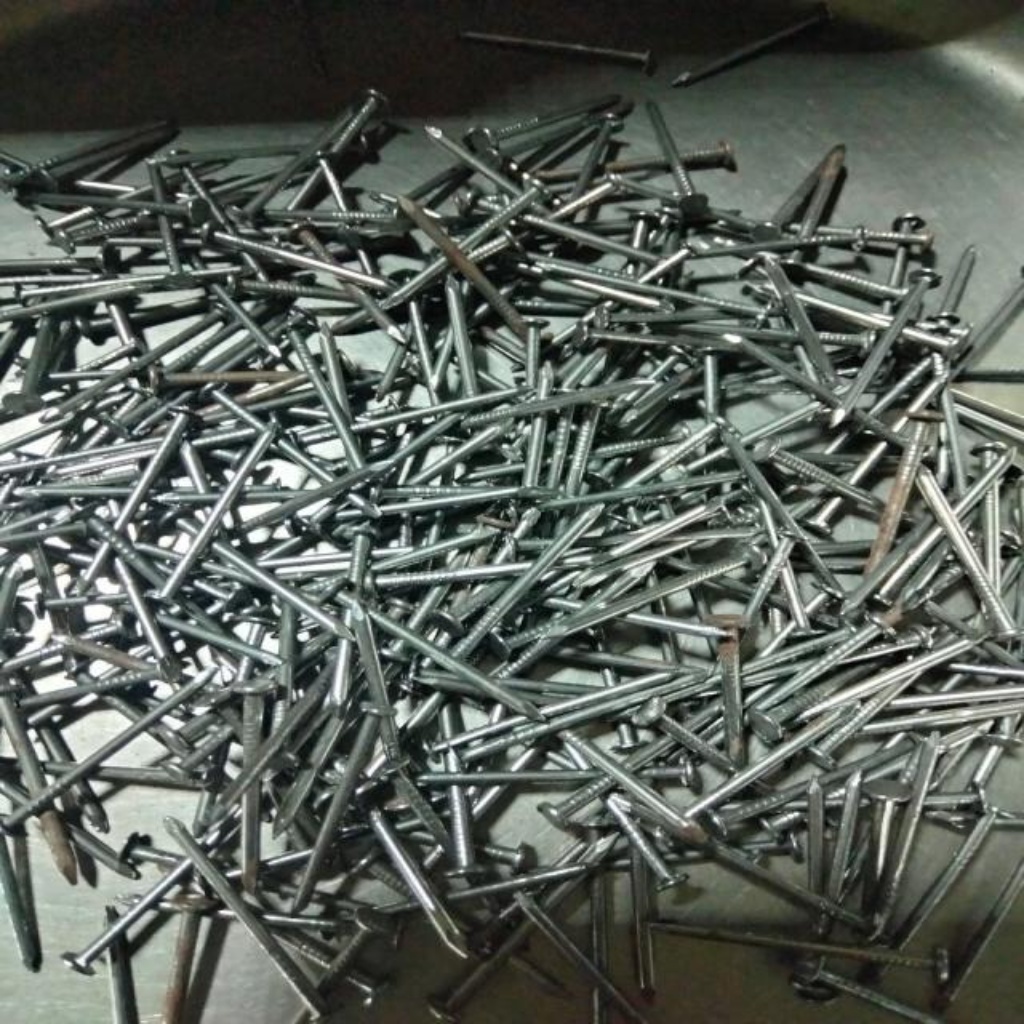
Step 06 🚫 Negative Mining Added hard-negative images (bolts, nails, pins — similar-looking non-targets) to cut false positive rates during detection.
Data Sources

Five-source training corpus

S1 · MVTec-AD
MVTec Anomaly Detection Dataset
320 normal screw images · industrial benchmark
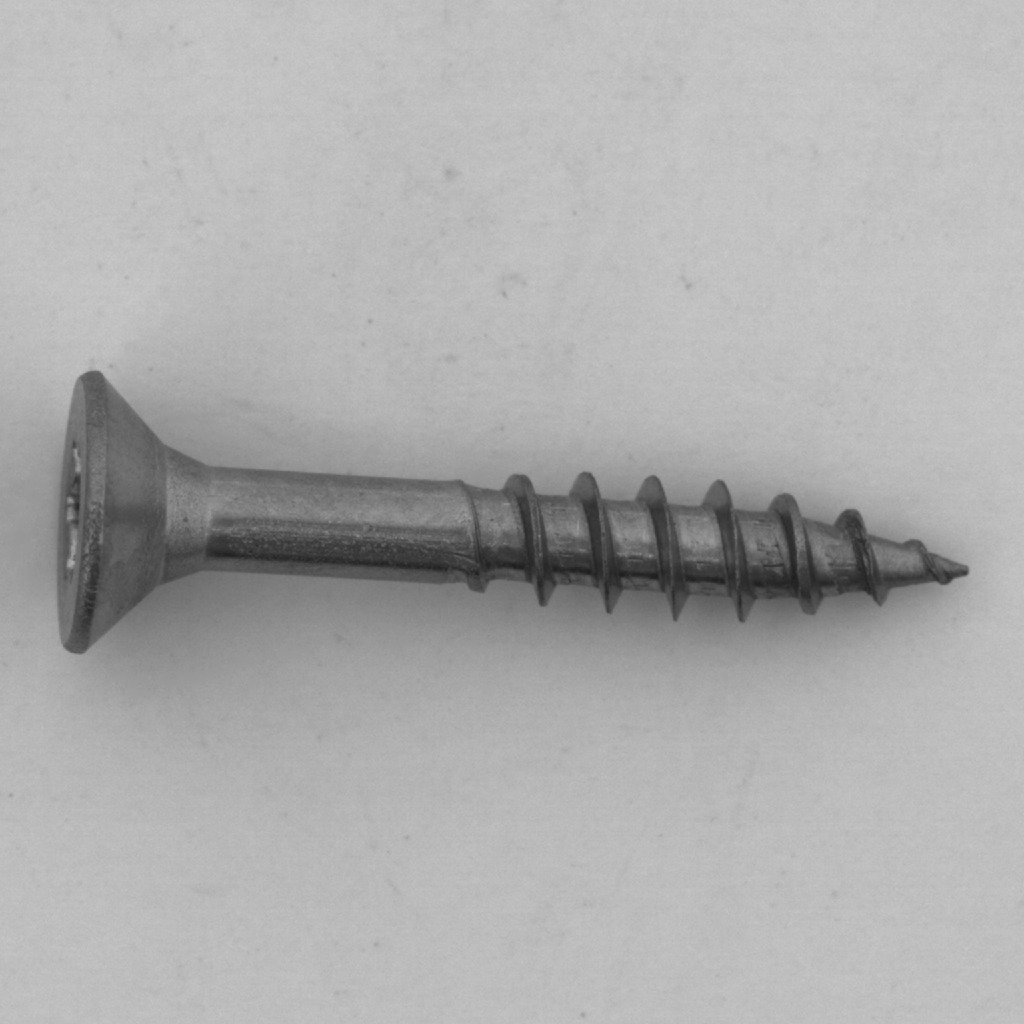
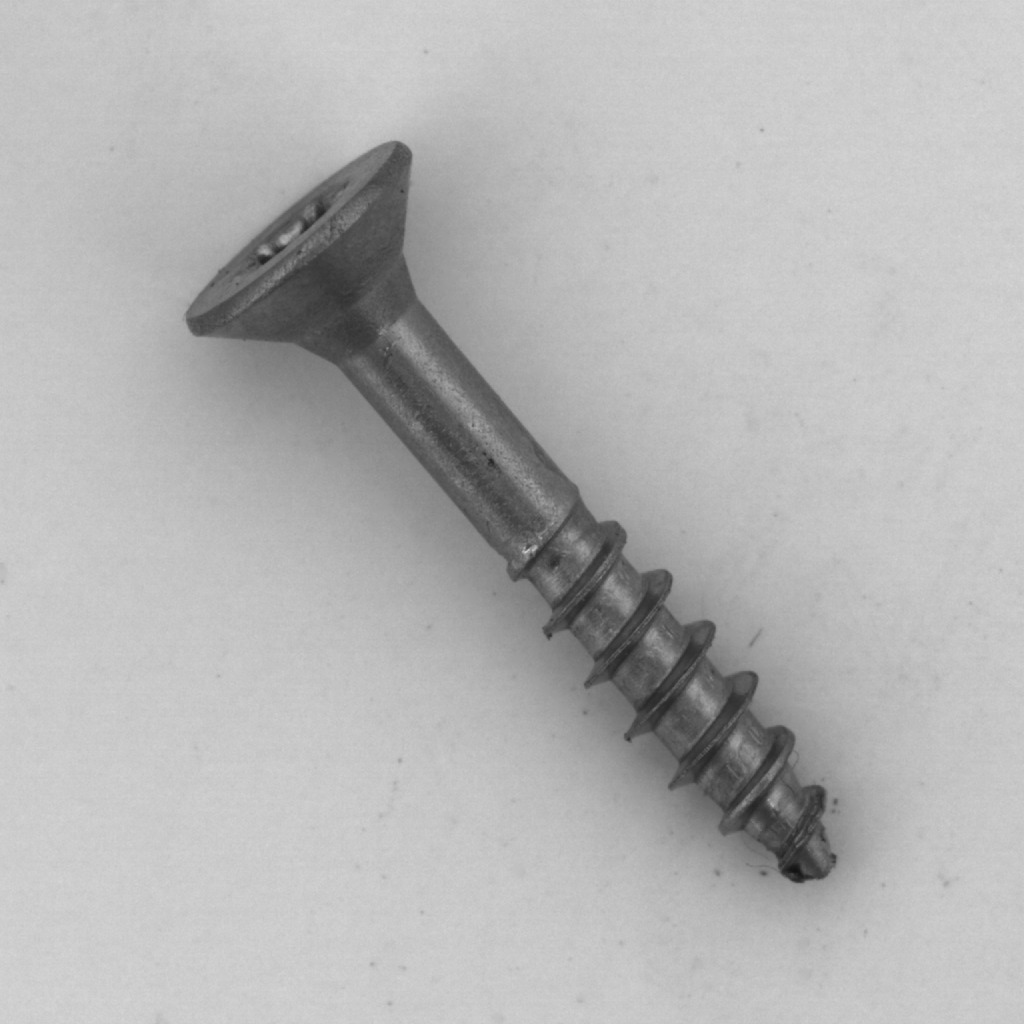
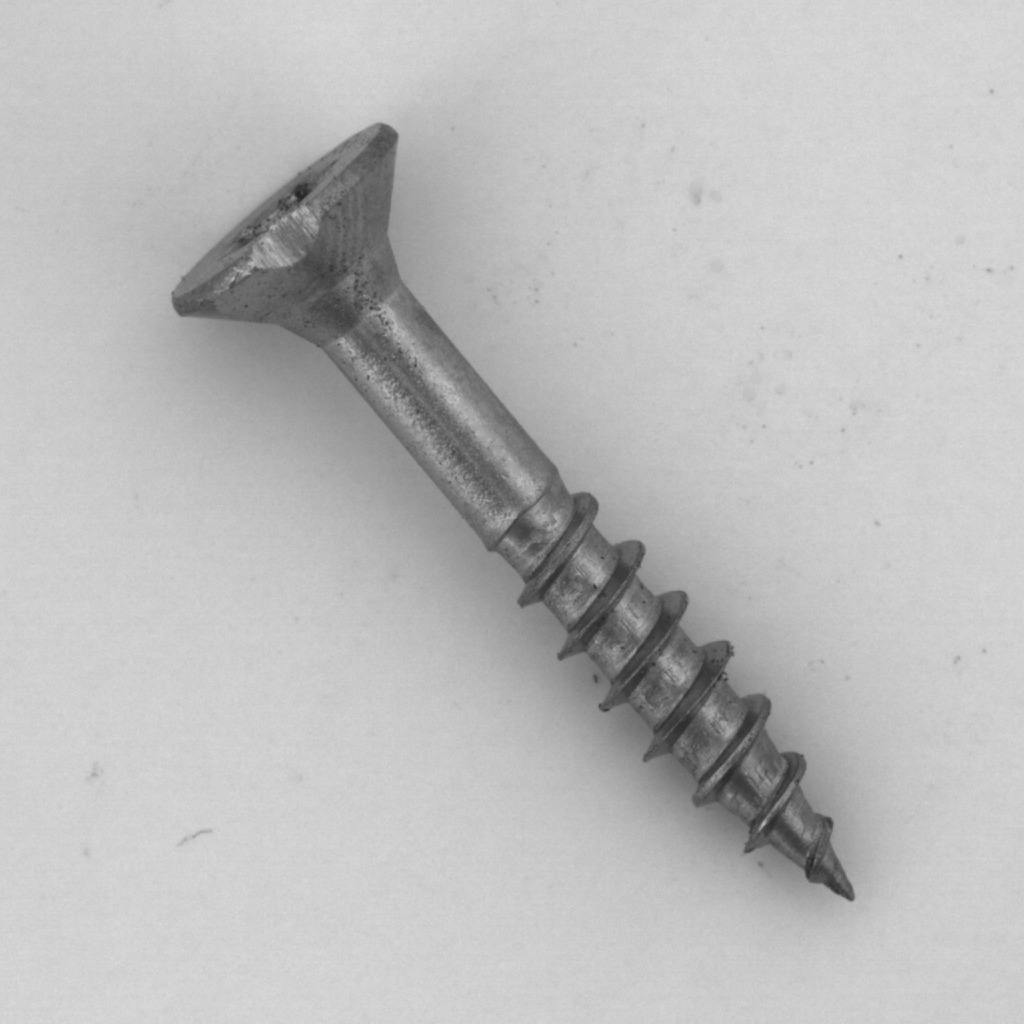
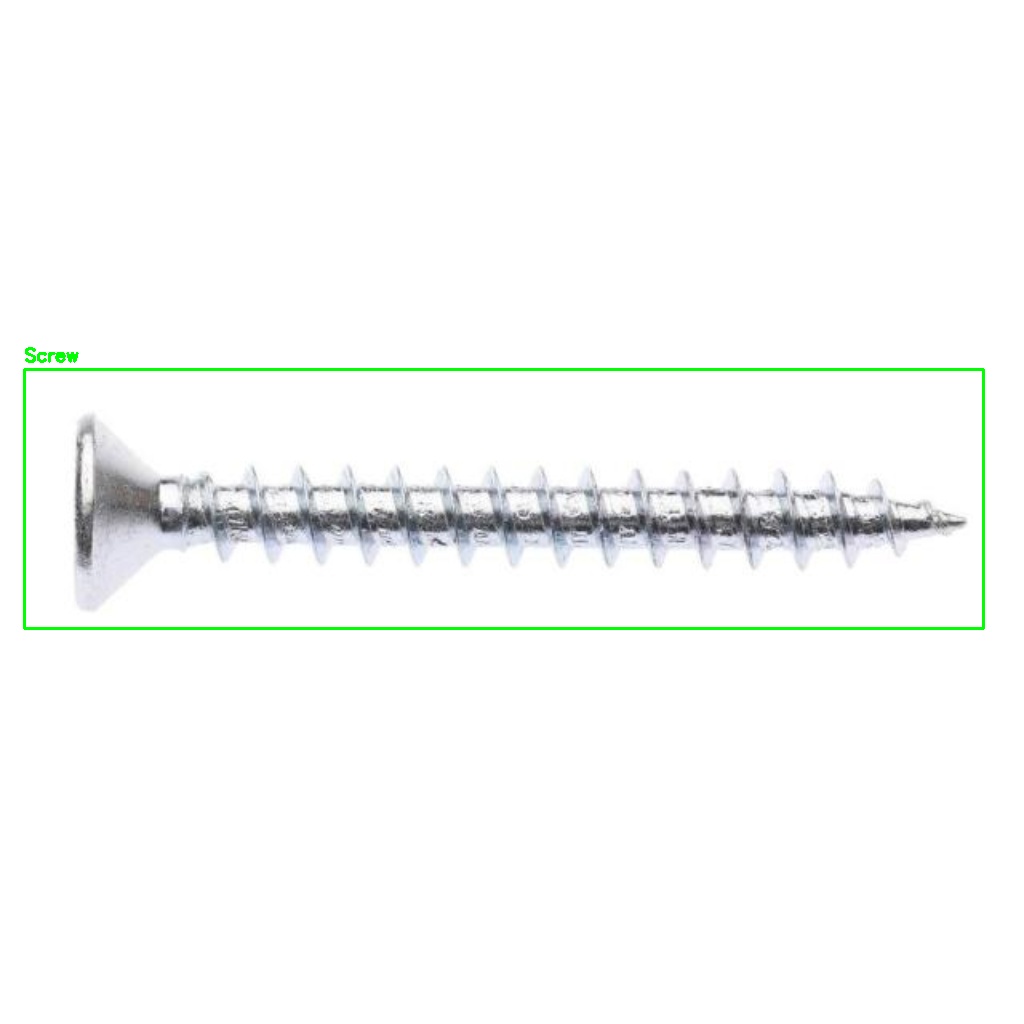
The MVTec AD screw category provides high-resolution, studio-lit images of real industrial screws — all defect-free normal samples used as the EfficientAD training set. These images set the baseline appearance the anomaly model learns to expect.
MVTec sample 1 MVTec sample 2 MVTec sample 3 MVTec sample 4
S2 · Custom
Lab-Captured + Roboflow Augmented
20 raw → 60+ augmented images · self-collected
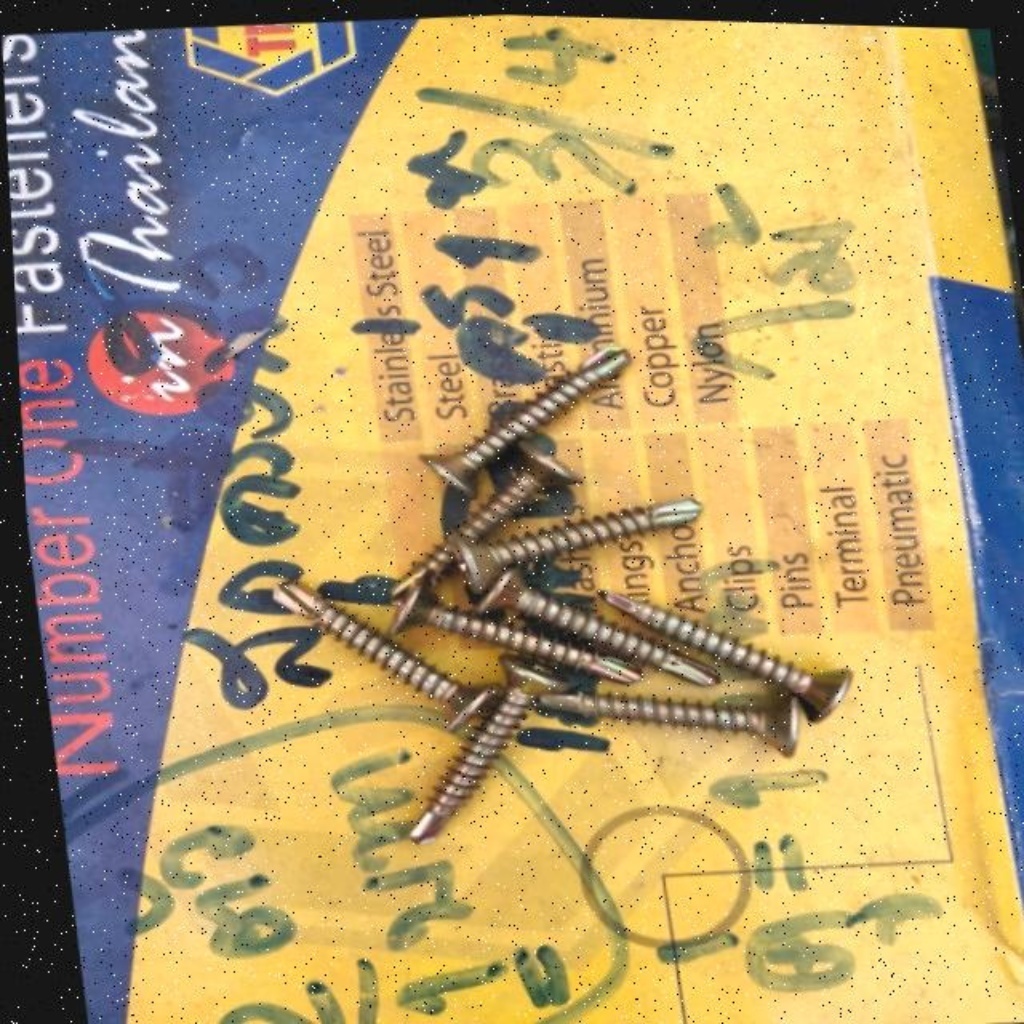
Original photographs taken in our lab, then uploaded to Roboflow for automated augmentation. Each real image generated 3× more training examples through flips, brightness shifts, and rotations — covering real-world lighting variations our camera setup encounters.
Own sample 1 Own sample 2 Own sample 3 Own sample 4
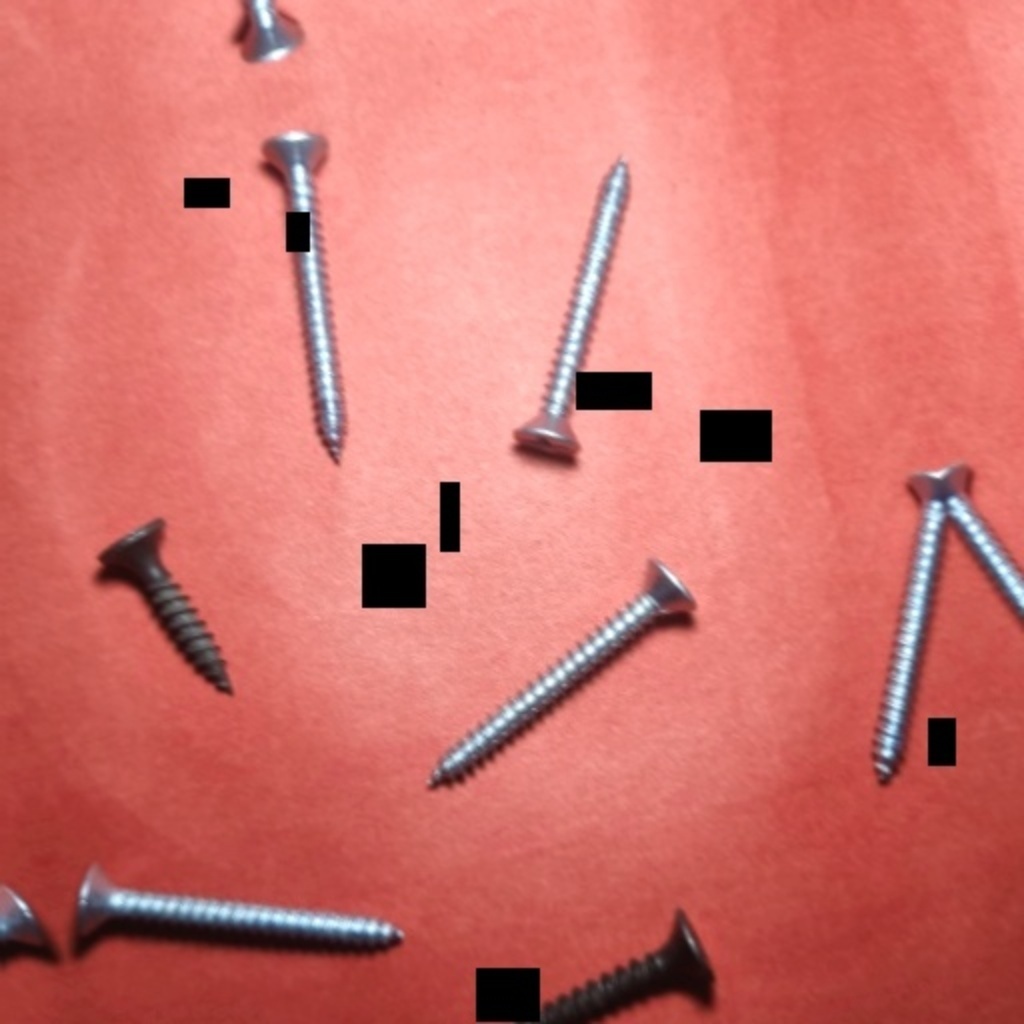
S3 · Roboflow
Roboflow Universe Dataset
Pre-labeled hardware images · community dataset
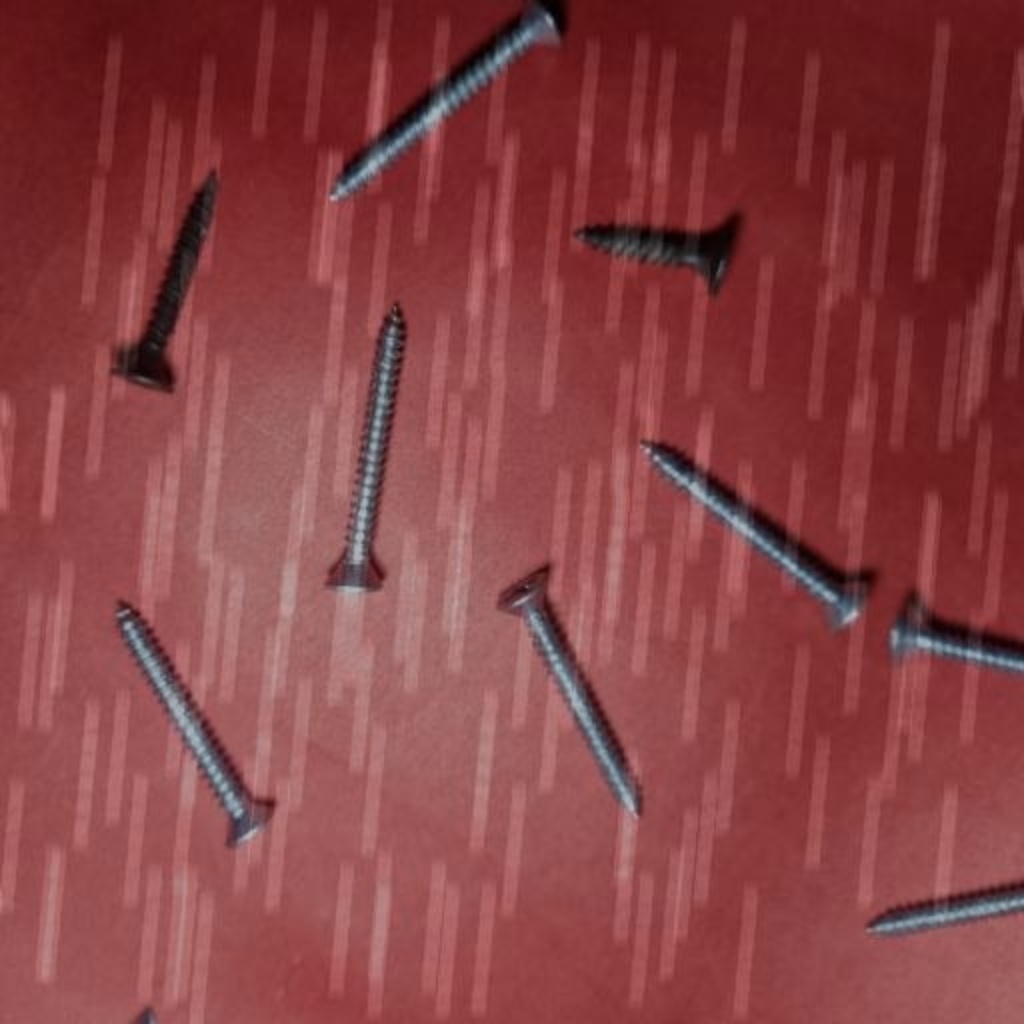
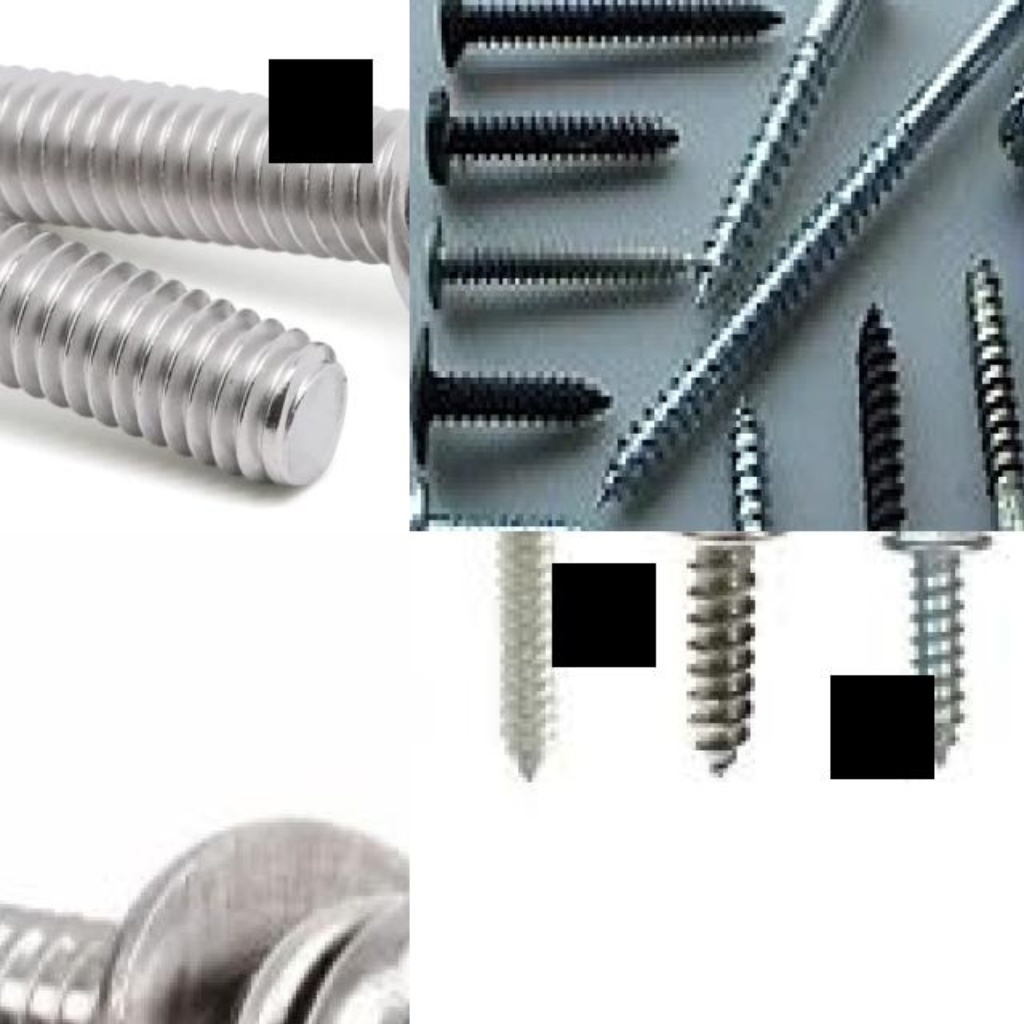
Sourced additional annotated screw, nut, and bolt images from the Roboflow Universe — a community repository of machine-vision datasets. These pre-labeled images accelerated annotation and provided diverse backgrounds and hardware variants not present in our lab collection.
Roboflow sample 1 Roboflow sample 2 Roboflow sample 3 Roboflow sample 4
S4 · Synthetic
Synthetic Multi-Object Collages
250+ programmatically generated scenes
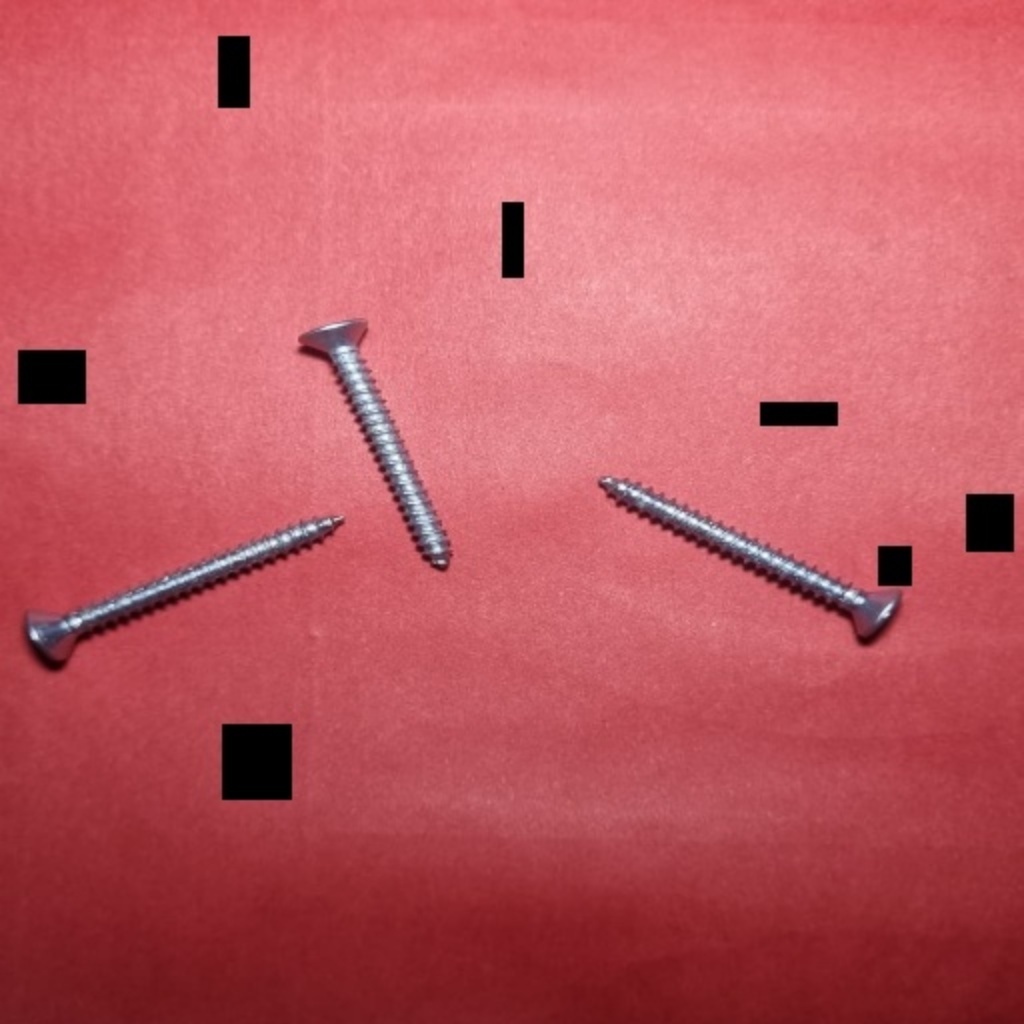
Python-generated composite images placing multiple hardware objects onto varied backgrounds. These synthetic scenes push the model to handle crowded frames with several screws, nuts, and bolts simultaneously — the primary challenge in real industrial inspection trays.
Synthetic sample 1 Synthetic sample 2 Synthetic sample 3 Synthetic sample 4
S5 · Negatives
Hard Negative Mining
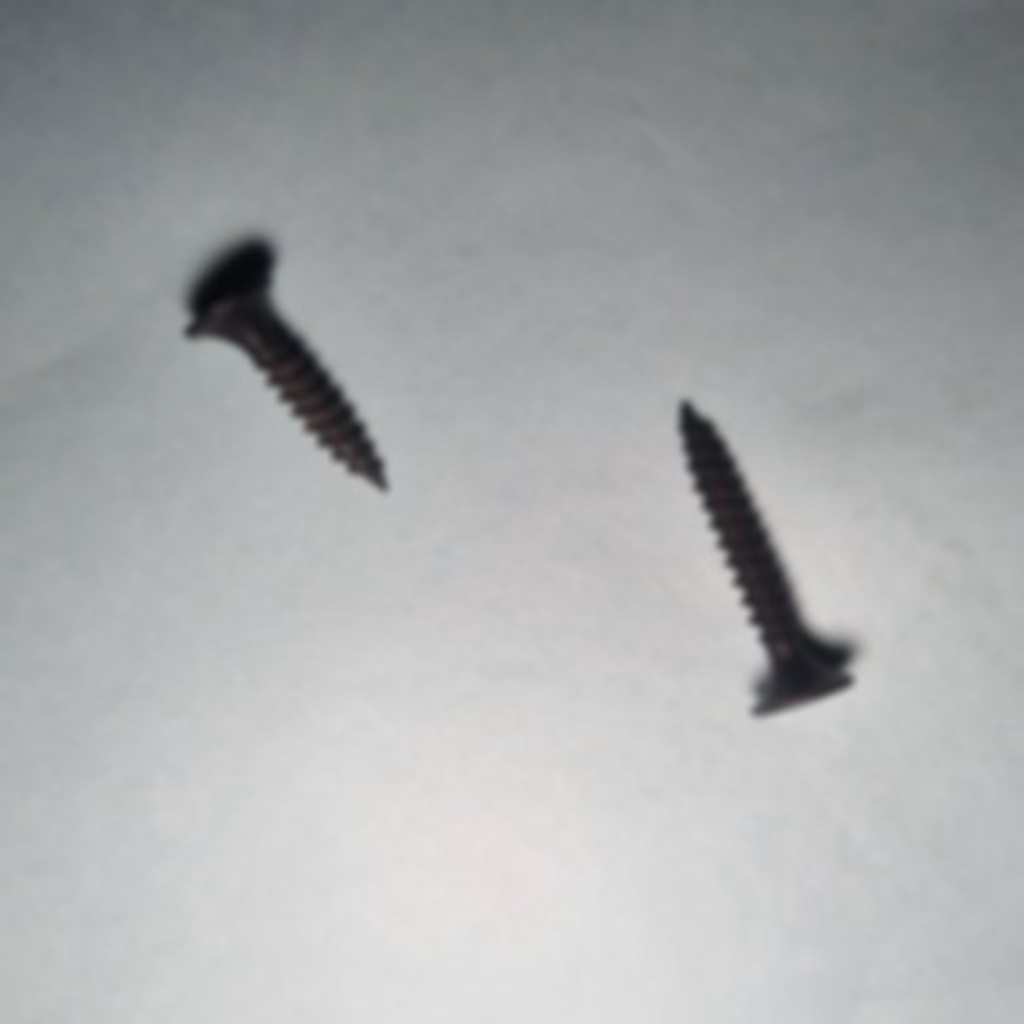
Bolts, nails, pins — visually similar non-targets
Hard-negative images of objects that look similar to screws and nuts — bolts, nails, and pins. Training on negatives without bounding-box labels teaches YOLO to suppress false detections on confusable classes, directly reducing the false-positive rate during inspection.
Negative sample 1 Negative sample 2 Negative sample 3 Negative sample 4
Model Performance

YOLOv8 training results

Precision
94.3%
Box-level on val set
Recall
89.4%
Box-level on val set
mAP@50
94.5%
Mean avg. precision
Inference
4.3ms
Per image · GPU
Throughput
100+ FPS
Real-time capable
YOLOv8n — Training Setup
We selected YOLOv8n (nano) for its ideal balance of speed and accuracy for edge-deployable inspection. The model was trained from COCO pretrained weights for 100 epochs with a 80/20 train-validation split across our 3,500+ image corpus.

YOLO outputs bounding-box coordinates, class labels (screw / nut / bolt), and per-box confidence scores in a single forward pass under 5 ms — feeding directly into the EfficientAD anomaly stage without any inter-model bottleneck.
YOLOv8n COCO Pretrained 100 Epochs 3 Classes 640×640 Input PyTorch
YOLO Annotations

Bounding box visualizations

Each image in the training set has a paired .txt annotation file containing normalized YOLO coordinates for every bounding box. The visualizations below are rendered from the raw label files — boxes drawn directly onto the training images to verify annotation quality.

Anomaly Detection

EfficientAD — anomaly model

Student-Teacher Architecture
EfficientAD uses a teacher-student distillation approach: a pre-trained teacher network extracts features, while a compact student network learns to replicate them only on normal samples. At inference, high discrepancy between teacher and student responses flags anomalies — no defect labels needed.

Trained exclusively on 320 normal MVTec-AD screw images, the model builds a statistical model of what a healthy screw looks like at the pixel level, then flags anything that deviates from that learned distribution.
96.98%
Image AUROC
97.89%
Pixel AUROC
Two-Model Pipeline
YOLO and EfficientAD are designed to be complementary, not competing. YOLO handles what and where — detecting and locating each hardware component. EfficientAD handles whether it's defective — scoring the full image for surface anomalies.

The pipeline runs both models on every inspection image: YOLO provides bounding boxes and class labels, while EfficientAD's full-image anomaly map is sliced per bounding box to generate a per-component defect score and heatmap visualization.
EfficientAD-M MVTec AD · Screw No Defect Labels Pixel-level Maps
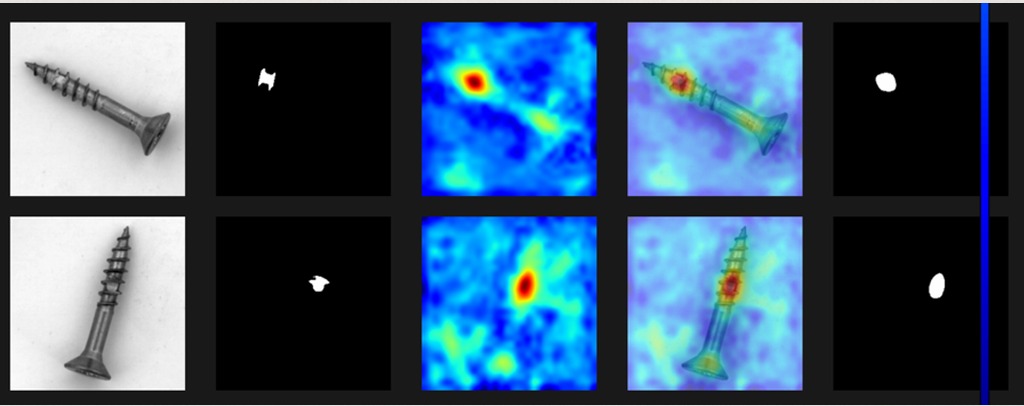
Model Output · MVTec AD Screw · Inference Visualization click to enlarge
EfficientAD inference result — anomaly map and segmentation mask
Input Image Ground Truth Mask Anomaly Heatmap Overlay Predicted Mask
Reading the output
Input Image
Raw grayscale screw photo fed into the model — same format as MVTec-AD training images.
Ground Truth Mask
Human-annotated defect region — the white blob marks where the real surface defect is located.
Anomaly Heatmap
EfficientAD's raw output — red/yellow = high anomaly score, blue = normal. Generated without any defect labels.
Overlay
Heatmap blended onto the input — shows exactly which part of the screw the model flagged as anomalous.
Predicted Mask
Binary segmentation derived by applying a score threshold to the heatmap — compared against Ground Truth to compute the Pixel AUC score.